3 Steps to Check VRAM Usage by App on Windows
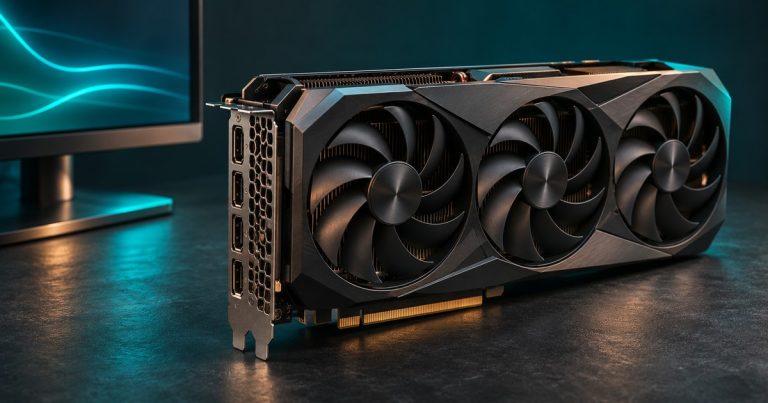
Check VRAM usage by app on Windows with gputaskman. Find which process holds GPU memory, read shared RAM figures, and test what changes when an app closes.

Computer software is a general term used to describe a collection of computer programs, procedures and documentation that perform some task on a computer system
Check VRAM usage by app on Windows with gputaskman. Find which process holds GPU memory, read shared RAM figures, and test what changes when an app closes.
Use tabbed viewing in current Foxit PDF Reader, check the new-window preference, and verify the setup with two local PDFs.
Set up a free task list with Microsoft To Do, use My Day for a short daily plan, and test shared lists before moving a household or team.
Choose the right disc type, burn an ISO or data disc with a current tool, and verify that the finished disc can be read.
Replacing an old Rondee conference bridge? Verify phone dial-in, participant access and any call charges before sending the new invitation.
Rebuild a Manymoon task list in a current project board, preserve old exports, and check assignments and due dates before switching.
Looking for Cute Screen Recorder Free? Learn what to use for a short Windows screen recording and how to check the saved clip.
Check Artweaver Free’s license and compatibility, then try a layer-based edit before committing to a drawing or photo workflow.
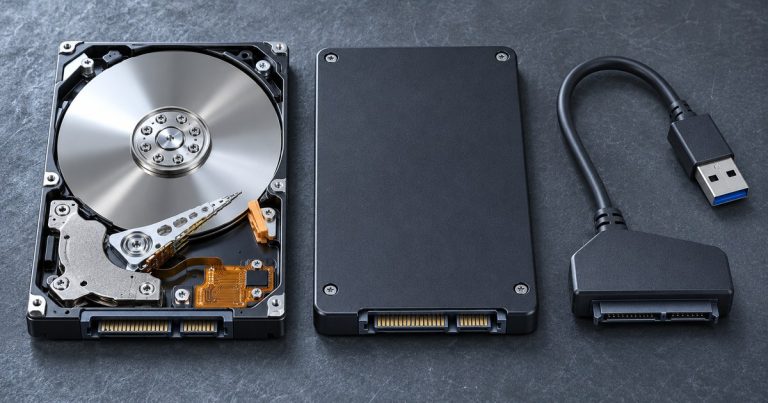
Compare free disk cloning software for SSD upgrades, Windows migration and network imaging. Check drive size, boot partitions and free-edition limits.

Compare 8 open-source Obsidian alternatives, including OpenKnowledge, Logseq and Joplin. Test Markdown, links and attachments before moving your vault.
