
Latest troubleshooting guides

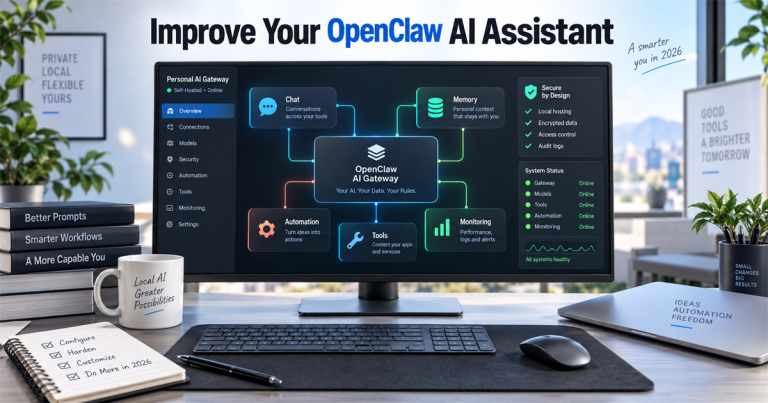
7 Ways to Improve Your OpenClaw Personal AI Assistant in 2026
Improve your OpenClaw personal AI assistant in seven practical steps covering security, memory, skills, channels, automation and monitoring.

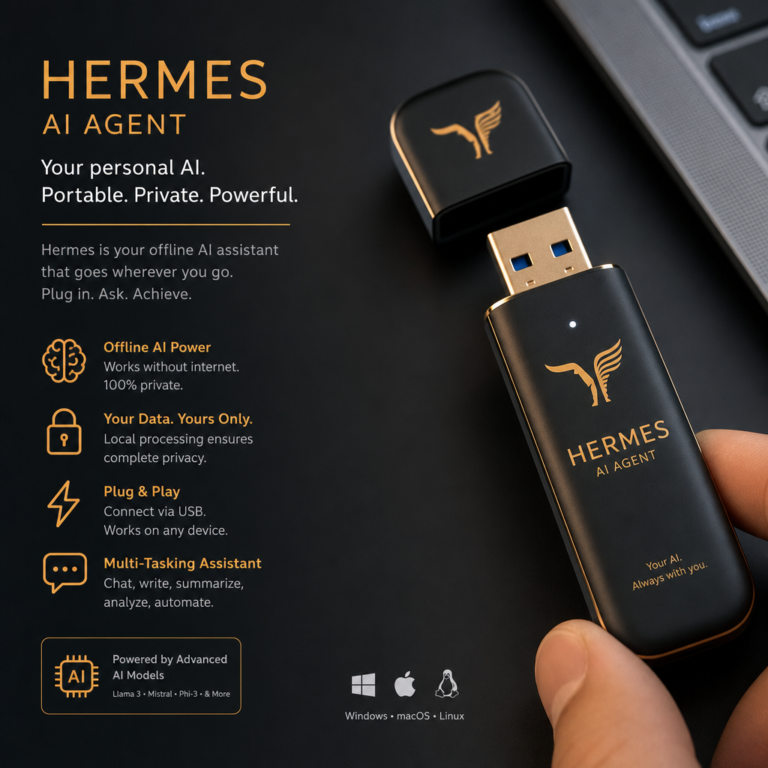
Portable USB Hermes AI Agent: Practical Setup and Safety Notes
Practical Hermes AI agent setup guide covering portable USB workflow, privacy checks, local files, and human review.
DirectX 12 for Windows 10 and 11: 5 Check and Fix Steps
Check DirectX 12 for Windows 10 and 11, update Windows and GPU drivers, identify legacy DLL errors and choose the right fix…
How to Install PaperClip on Windows: Step-by-Step Setup Guide
Install Paperclip on Windows using its official Node.js CLI. Understand WSL2, first-run checks, agent setup, provider costs and common errors.

Start here
- For DirectX errors9 Ways to Fix DirectX Errors on Windows 11 in 2026
Work through Windows, driver and game checks before installing extra runtime files.
- For Windows boot failuresHow to Fix BOOTMGR Is Missing: Safer Windows Boot Repair
Identify the boot problem and use repair options that match your system.
- Before attempting recoveryExternal Hard Drive Recovery: 5 Mistakes to Avoid
Avoid actions that can make a failing drive harder to recover.
Browse by task
Boot & account recovery
Check the system and protect your files before making changes.
DirectX & compatibility
Check versions, drivers and legacy runtime requirements.
Storage & recovery
Plan disk operations and avoid unnecessary write activity.
AI assistant setup
Check prerequisites and permissions when configuring agents.
Software setup
Follow platform-specific installation and compatibility guidance.
Last reviewed: 5 October 2026.
