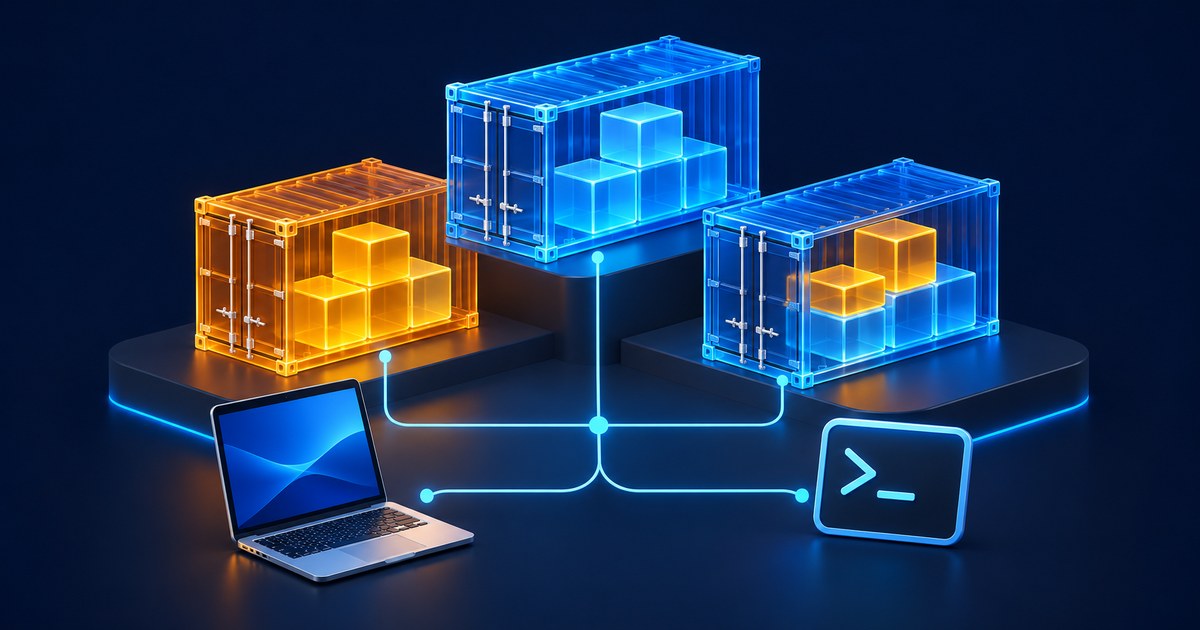
Start with Rancher Desktop in Moby mode if you want to keep using docker compose on Windows or macOS. Podman Desktop makes sense if you want a GUI around Podman and rootless containers. On a Mac, OrbStack suits developers who want a desktop app with the Docker tools bundled, while Colima suits a terminal workflow. Kiri is a newer option worth trying on a disposable project before moving a team’s environment.
The deciding question is whether your app can build, mount files, reach dependencies and keep its data on the new runtime. Running a hello-world container only answers the first part.
Five Docker Desktop alternatives compared
| Tool | Desktop OS | Interface | Compose and licensing |
|---|---|---|---|
| Podman Desktop | Windows, macOS, Linux | GUI and Podman CLI | External Compose provider. Open source. |
| OrbStack | macOS | GUI and Docker CLI | Docker engine, Compose and buildx. Free for personal, non-commercial use. Paid commercial use. |
| Rancher Desktop | Windows, macOS, Linux | GUI with Docker CLI or nerdctl | Choose Moby for Docker CLI workflows. Open source. |
| Colima | macOS and Linux | CLI | Docker runtime by default. Install the Docker client and Compose plugin as needed. Open source. |
| Kiri | Windows, macOS, Linux | GUI and CLI | Docker API compatibility with a separate kiri context. Apache-2.0 project. Check builder limitations. |
Docker’s licensing guide says Desktop is free for personal use, education, non-commercial open source and small businesses with both fewer than 250 employees and under US$10 million in annual revenue. Larger organizations and government entities need a paid subscription. Docker Desktop licensing is separate from Docker Engine. Check the license for the specific product your team will install.
1. Podman Desktop for a GUI around Podman
Podman Desktop gives you a place to inspect images, containers and pods, read logs and open a container terminal. It’s the first option I’d evaluate if the team already uses Podman on Linux and wants a similar local workflow on other operating systems. Windows and macOS run the Linux engine inside a Podman machine.
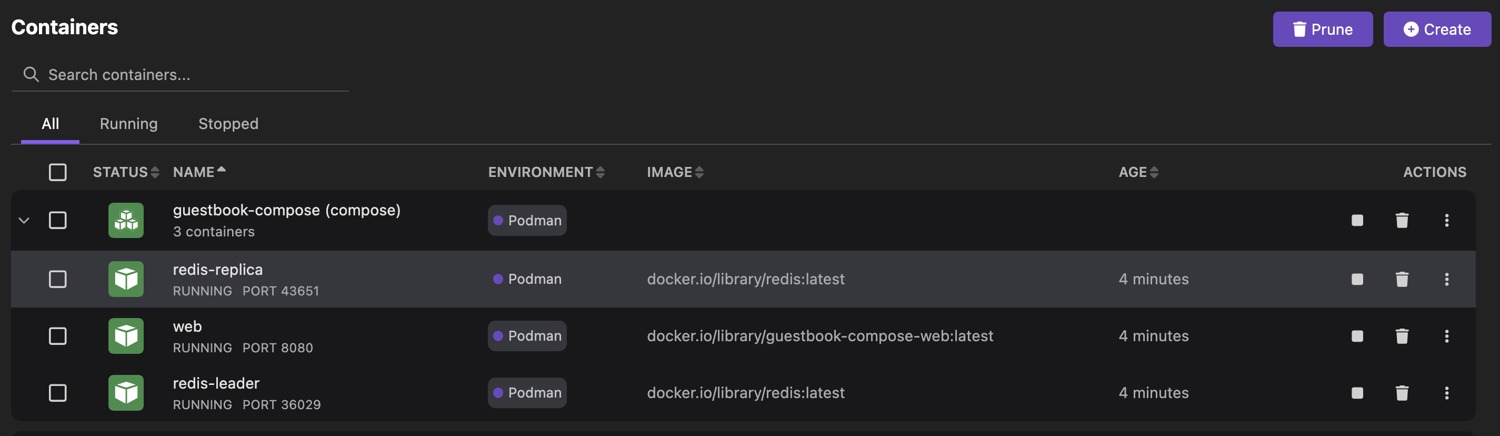
podman compose delegates to an external provider. Follow the official Compose walkthrough to set it up. If a service runs as a particular UID or an app mounts the engine socket, test that early. A service that ran under Docker may need a different socket or file permissions under rootless Podman. Pod management in the GUI is useful even when you do not need a local Kubernetes cluster.
2. OrbStack for a Mac with existing Docker workflows
OrbStack bundles a Docker engine and Docker tools including Compose and buildx. It fits Mac developers who want to use the same commands and inspect containers and files from a desktop app. Check the active Docker context after installation, particularly if another engine is running.
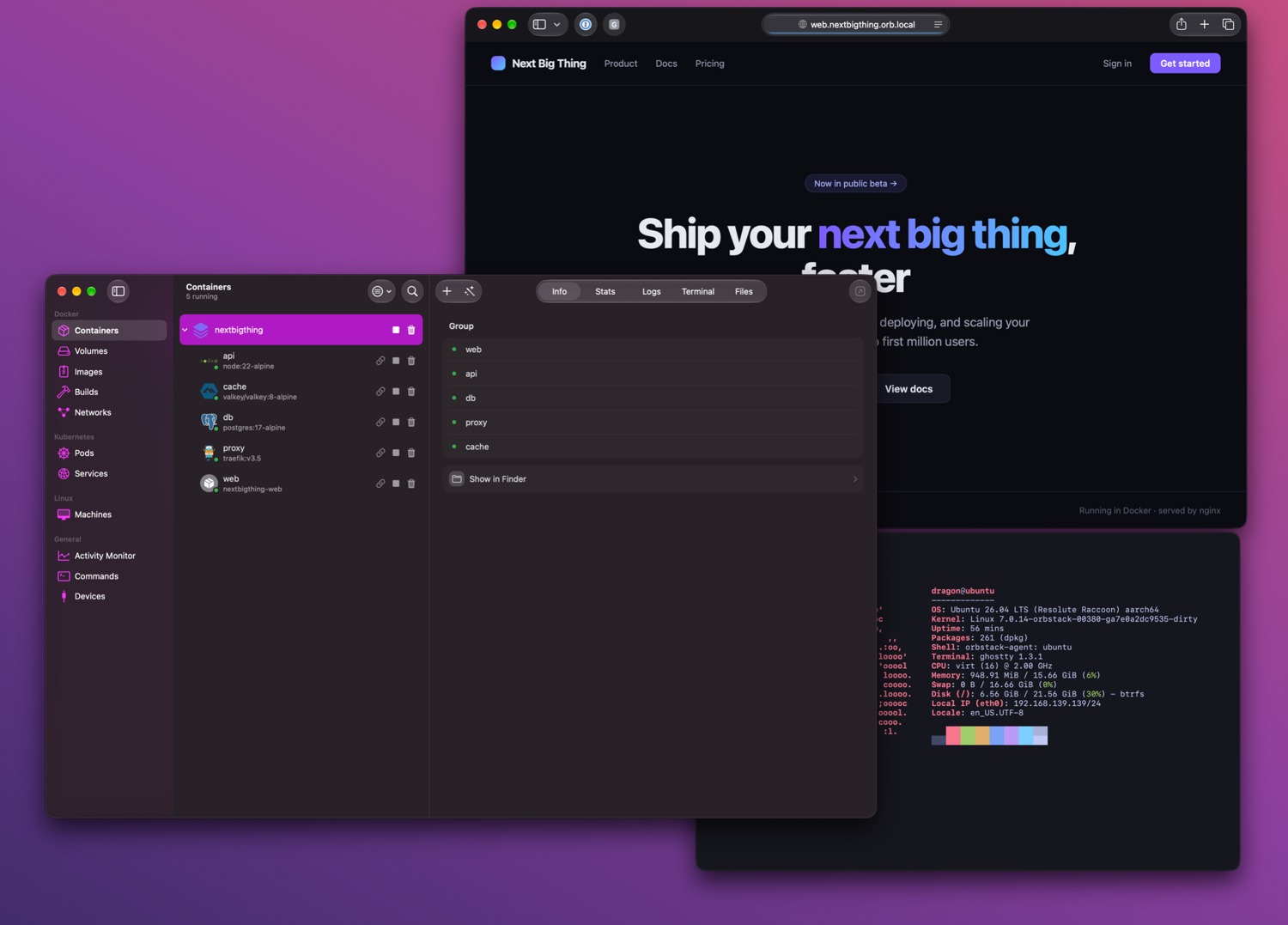
The free plan is for personal, non-commercial use. Check the paid plan for work use before making licensing savings part of the business case. If you are switching because of CPU or memory, compare your own project at idle and during a rebuild. A vendor startup demo cannot tell you how your database or file watcher will behave.
3. Rancher Desktop for local K3s and Docker CLI workflows
Rancher Desktop runs on Windows, macOS and Linux and can provide a local Kubernetes cluster through K3s. Its engine choice matters. Select Moby when existing scripts expect the Docker CLI or Docker API. Select containerd when you want to use nerdctl and build around containerd.
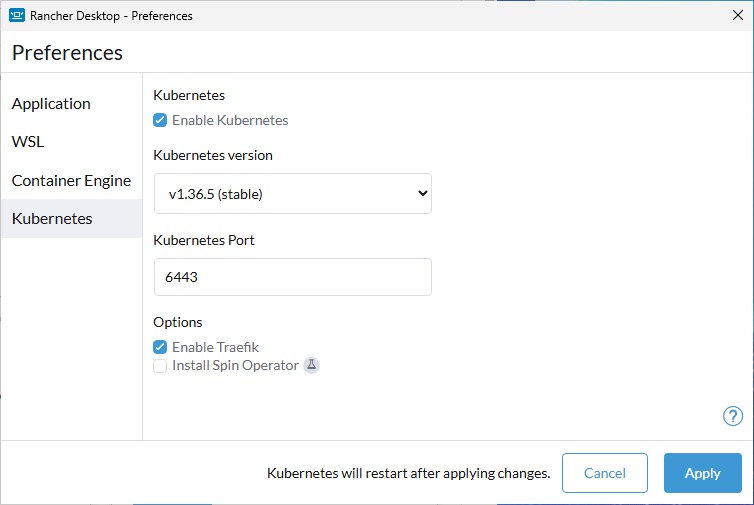
Pick the engine before pulling your project images. Rancher Desktop documents that the two engines do not share images and workloads. If your team only runs Compose, you can disable Kubernetes in Preferences and keep the container runtime. This gives you a simpler baseline before you measure resource use.
4. Colima for terminal-first Docker on macOS or Linux
Colima starts and manages a local runtime from the command line. Docker is its default runtime and containerd is optional. If you already live in the terminal, it provides a clear way to start or stop the environment without adding another desktop dashboard.
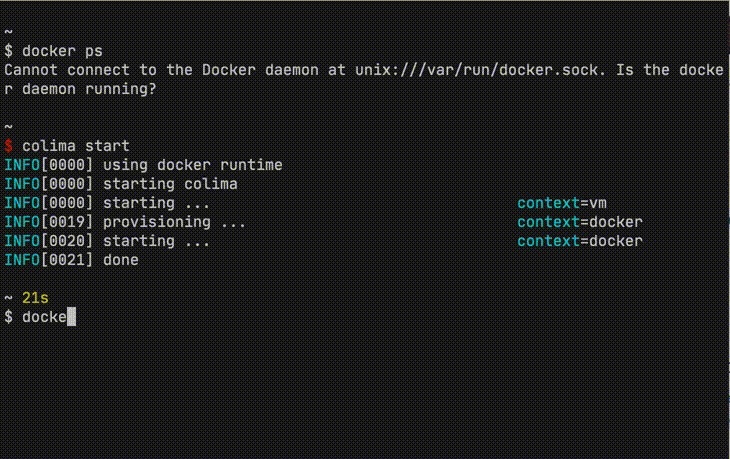
With the Docker runtime, install the Docker client and confirm docker compose version before testing your project. The Colima install does not stand in for a Compose plugin. Try a real bind mount and a file change from your editor. Those two checks tell you more about daily development than a container that simply starts and exits. Windows is outside the project’s documented desktop platforms.
5. Kiri for a small, isolated compatibility trial
Kiri provides its own runtime, Docker API compatibility and a desktop window for containers, images, volumes and networks. Its project documents macOS 14 and later, Windows 10 and 11 through WSL 2, and Linux packages. The release page lists packages and changes. On first launch it sets up a kiri Docker context, which lets you target it explicitly.
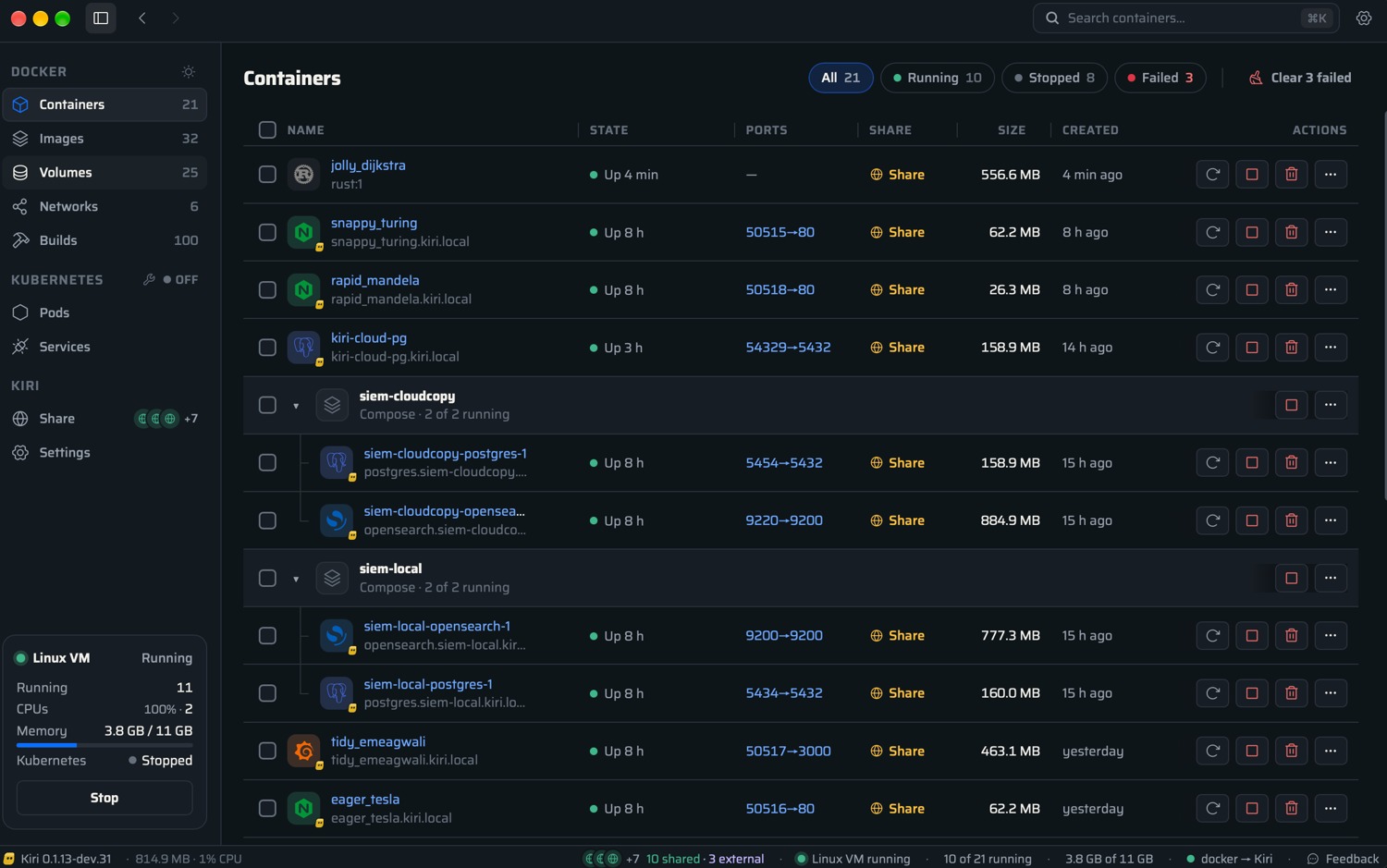
docker --context kiri run --rm alpine echo hello is the maintainer’s first check. After that, test your actual Dockerfile and builder configuration. Kiri documents a concrete limit: BuildKit’s docker-container driver rejects docker build --add-host name:host-gateway. If your build depends on that flag, include it in the pilot. See Kiri’s feature and limitations notes.
Which one should you try first?
- Windows with existing Compose files: Start with Rancher Desktop in Moby mode. Check virtualization and WSL requirements before changing your environment.
- Mac and a GUI is important: Try OrbStack if its commercial terms fit. Choose Colima if you prefer the terminal.
- Linux-first team moving toward Podman: Pilot Podman Desktop and check socket and rootless permissions with the real application.
- Local Kubernetes is part of the job: Start with Rancher Desktop and test the same manifests and ingress behavior you need in development.
- Curious about Kiri: Target the
kiricontext explicitly and start with a fresh, disposable project.
How to test a replacement before uninstalling Docker Desktop
- Inventory the old environment. Record the active context, image architecture, mapped ports, bind mounts, volumes and registry access. Export an application-level database backup and verify it can be restored before touching existing volumes. A Compose YAML file does not contain database data.
- Target the candidate engine by name. Use
docker context lsand confirm the context in the candidate’s docs or app. Use a copy of the project with unused host ports and disposable data. Check for explicit shared volume names and external resources, which a different Compose project name may still reference. - Build and start the project. Try a clean image build, then confirm each expected service appears and check logs or the app’s health endpoint. If builds fail but existing images run, inspect the builder driver, target architecture and registry access.
- Test a normal edit and restart. Change a mounted file, confirm the watcher sees it, and restart the runtime. Check that sample data is still there and the browser reaches the same local services. Restore a copy of the backup into a fresh test instance if the project has state.
For a Docker-compatible candidate with a verified context and an isolated Compose project, the following is a reproducible starting point. Replace YOUR_CONTEXT with the context name you verified. For Podman, use the Compose provider configured for the Podman machine.
docker context ls
docker --context YOUR_CONTEXT compose version
docker --context YOUR_CONTEXT compose -p desktop-pilot config --quiet
docker --context YOUR_CONTEXT compose -p desktop-pilot up -d --build
docker --context YOUR_CONTEXT compose -p desktop-pilot ps
For a web project with a test-only host port of 18080, open http://127.0.0.1:18080 and verify the app’s expected response. If it is unreachable, check the Compose port mapping and service logs first. Keep the previous environment available until the replacement passes your daily workflow. See the Docker context guide and the volume documentation for the underlying commands and backup concepts.
Related Techmixer guides
Our take
Choose the replacement that passes your hardest daily task. That might be a file watcher on macOS, a private image build on Windows or a database restore on Linux. For a team, record the working runtime, engine mode and context in the project’s setup notes so the next developer can reproduce it.
Last reviewed: 9 November 2026. Techmixer checked official documentation and release information. The migration checklist is a worked procedure for readers to run on their own projects.