For most blogs and small websites, Cloudflare Free is the free CDN I’d start with. It puts caching, HTTPS and DDoS mitigation in front of your site. Choose Gcore if you want to move your own public files onto a separate asset hostname with a clear monthly traffic allowance. Consider Tencent EdgeOne if you need control over the acceleration region, or use jsDelivr when all you need is a public JavaScript or CSS library.
What to know first
A content delivery network (CDN) serves eligible files from edge servers. On a cache hit, the CDN can send a copy without contacting your web host. Your origin still generates uncached pages, handles logins and runs application code. That matters for WordPress: caching a stylesheet can help with repeat requests, while a failing PHP process still needs a fix at the host.
Decide which hostname needs help before you change DNS. Putting your whole site behind a reverse proxy can protect requests going through that proxy. Putting only images and stylesheets on an asset subdomain leaves the main site on its existing path. A public package CDN handles only the specific library URLs you use.
Four free CDN options compared
| CDN | Best for | Free access | Setup and key limit |
|---|---|---|---|
| Cloudflare | Blogs and small websites | Free website plan with edge caching, Universal SSL and DDoS mitigation | Proxy your domain. Video and disproportionate large-file delivery have separate terms. |
| Gcore | Public assets on a separate hostname | First 1 TB of Global CDN traffic per month on pay-as-you-go | Connect an origin and configure DNS and TLS. Usage beyond the allowance has published rates. |
| Tencent EdgeOne | Sites with a specific acceleration region in mind | Free beta plan, subject to access and eligibility | Connect a site and confirm the region. Mainland nodes require ICP filing for your domain. |
| jsDelivr | Public open-source JS, CSS and other eligible package files | Free public package delivery over HTTPS | Use a pinned file URL. Your website and origin stay on their existing delivery path. |
1. Cloudflare Free for a WordPress site or small website
Cloudflare’s Free plan is the straightforward choice when you want the same service to handle website proxying, HTTPS and DDoS mitigation. The default cache behavior covers eligible static files. HTML and JSON are excluded by default, which is a sensible starting point for a site with logged-in users.
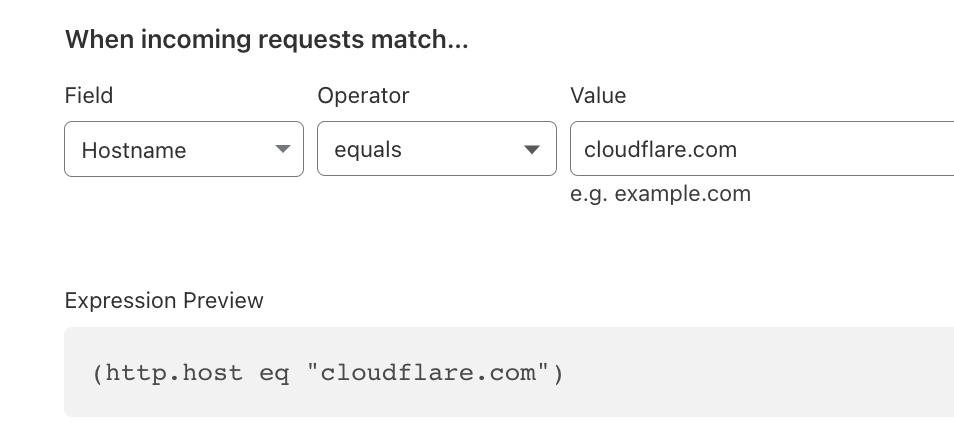
Before changing nameservers, compare the imported DNS records with your existing zone, including mail records. Keep your origin on HTTPS and use Full (strict) once the origin has a valid certificate for the hostname. Leave account pages, carts, admin routes and other personalized responses out of shared caching. If your real workload is serving video or large downloads, read Cloudflare’s delivery restrictions before choosing the product.
2. Gcore for an image or static asset hostname
Gcore’s CDN pricing includes the first 1 TB of Global CDN traffic each month on pay-as-you-go. Gcore lists €0.01/GB for the first paid band, with lower rates at higher volumes. If your dashboard records 1,200 GB in a month, the first 1,000 GB is included and the next 200 GB would cost about €2 at that rate before tax. That estimate covers CDN delivery only.
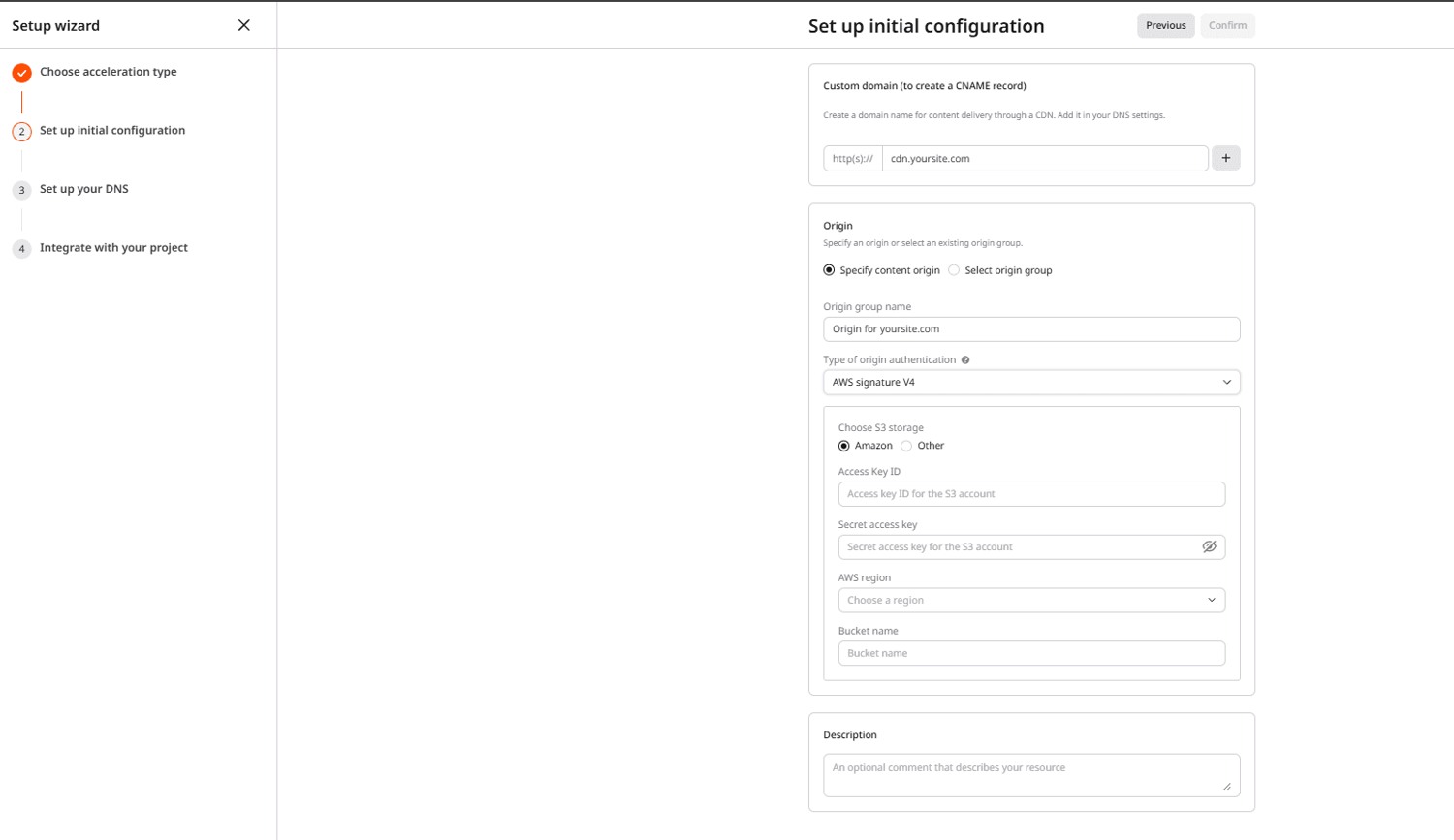
A low-impact first test is to create a CDN resource for static assets and point an asset subdomain at the assigned hostname. Gcore documents free Let’s Encrypt certificates for CDN resources. Start with one harmless image and confirm HTTPS before moving all your image URLs. Gcore describes L3/L4 mitigation for its CDN integration, but an asset-only setup leaves your main website and its origin on their existing path. Check Gcore’s WordPress integration options if your goal is to proxy the whole site.
3. Tencent EdgeOne for regional delivery
The EdgeOne Free Plan guide describes unmetered traffic and requests for its security acceleration service, with access still in limited beta. Check whether you can claim the plan and what region it lets you select before moving production DNS. A promotion that says “China access” doesn’t settle which edge locations your own domain can use.
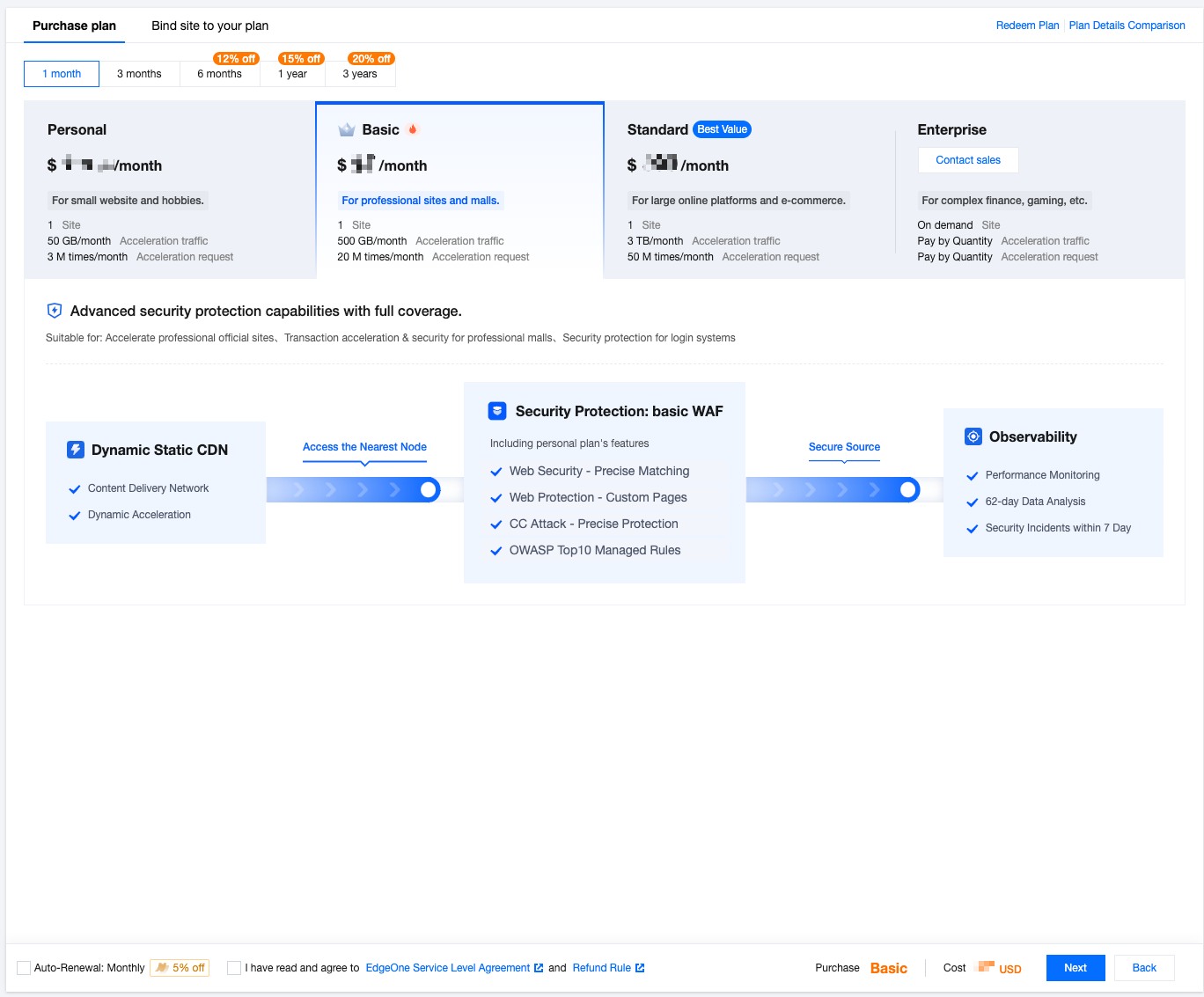
Tencent’s custom-domain rules require ICP filing for mainland China acceleration or the global region that includes mainland China. Without filing, choose the global region excluding mainland China. If you serve customers in mainland China, test the actual site from the networks that matter to them before drawing conclusions about speed or availability.
4. jsDelivr for a public package dependency
jsDelivr can deliver files from public npm packages and eligible GitHub projects. It’s useful when a small site needs a library like Bootstrap and you want a versioned URL without setting up an asset hostname. For example, this URL requests a specific Bootstrap release:
https://cdn.jsdelivr.net/npm/bootstrap@5.3.3/dist/css/bootstrap.min.css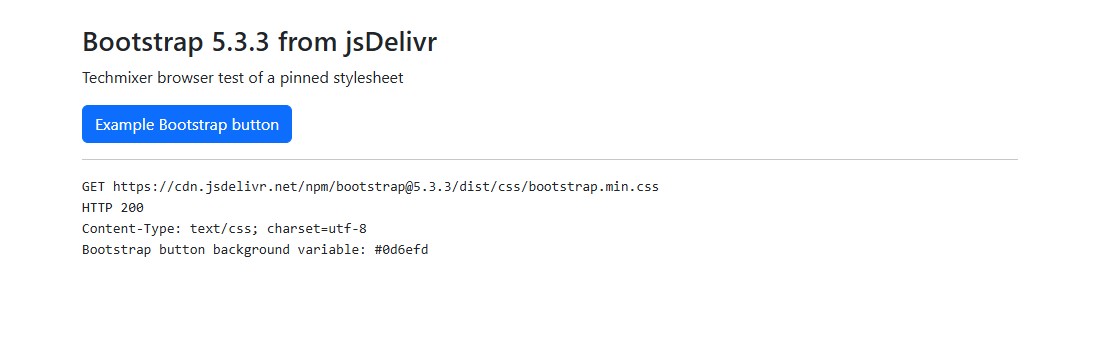
Pin the version and use Subresource Integrity when you embed a third-party stylesheet or script and can pin its expected bytes. Self-host critical assets if your site needs to work when third-party requests are blocked. jsDelivr’s usage terms describe eligible content and restrictions. A library on jsDelivr does not place your site behind its network.
Best choice by use case
- I run a blog on shared hosting. Start with Cloudflare Free and check static caching before adding custom rules.
- I want to keep my main domain where it is. Pilot Gcore on a separate hostname for your own static files, then check delivery usage against the allowance.
- Mainland China edge coverage is a requirement. Confirm EdgeOne eligibility, filing and region selection first. Treat access from mainland China and delivery from mainland edge nodes as separate tests.
- I need one CSS or JavaScript library. Pin a jsDelivr package URL and test the page with that dependency blocked.
Verify that your free CDN is serving from cache
- Pick a versioned public file such as
/assets/site.v1.css. Leave HTML and private responses alone during the first test. - Open the CDN URL and confirm that it returns the intended file over HTTPS. A successful response alone only shows that delivery works.
- Run the command below twice with the same URL from the same machine. On Cloudflare,
CF-Cache-Status: HITindicates a cached response. AnAgeheader, when present, indicates how old the cached response is. Other providers can expose different cache headers.
curl -sS -D - -o /dev/null https://cdn.example.com/assets/site.v1.cssUse curl.exe and -o NUL on Windows. The example makes a GET request and prints the response headers. If a public file keeps missing cache, compare the two responses for redirects, cookies and restrictive cache headers before adding an override. See Cloudflare’s cache troubleshooting guide for examples.
Can a free CDN replace my web host?
A reverse proxy still needs an origin to fetch uncached files and process dynamic requests. If you need hosting for a static site, look at Cloudflare Pages. If you need storage for public assets, compare Cloudflare R2 with a custom domain. Those services have their own limits, separate from Cloudflare’s website plan.
Related Techmixer guides
Our take
Pick the provider based on the traffic you want it to handle. For a typical blog, the first useful milestone is one verified cache hit on a public asset while sign-ins and other dynamic pages still behave normally. For a regional rollout, confirm the actual region before comparing speed.
Last reviewed: 8 November 2026. Techmixer compared official plan terms and setup documentation. The example bill is a calculation. A Chromium test confirmed that jsDelivr returned the pinned Bootstrap stylesheet and that the browser applied it. This comparison does not include account onboarding or speed benchmarks.