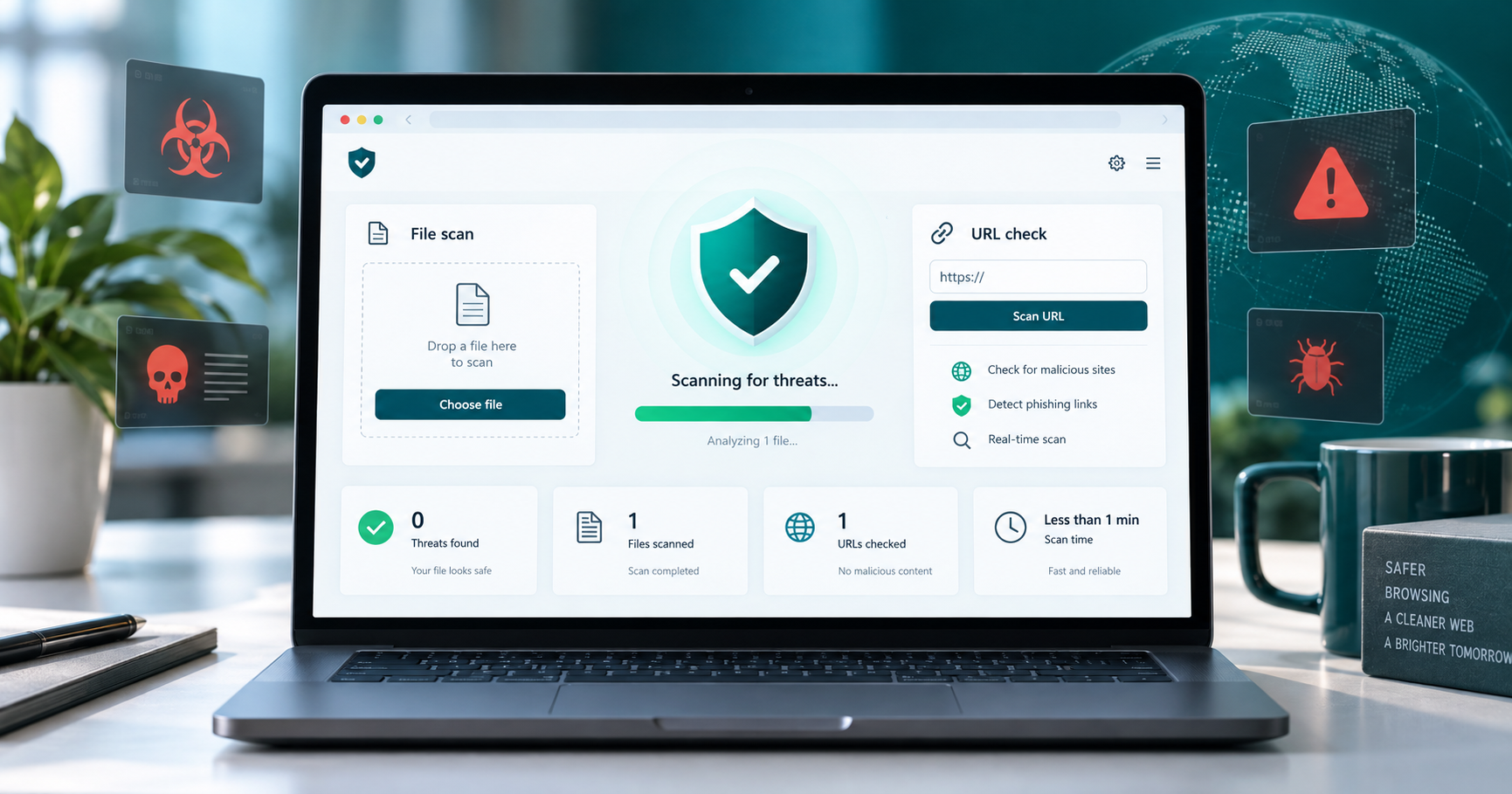
best free online virus scanners are useful when you need a second opinion before opening a file, checking a suspicious link, or installing software from a source you do not fully trust. The right choice depends on whether you are checking one file, a URL, a hash, or a Windows computer that may already be infected.
Quick answer
Use VirusTotal or MetaDefender Cloud for quick file and URL checks, Jotti for a simple upload check, Kaspersky Threat Intelligence Portal for deeper reputation context, and ESET, F-Secure, or Trend Micro HouseCall when the whole Windows PC needs a second-opinion scan.

What to know first
Online scanners are helpful, but they do not replace real-time antivirus software. A clean scan lowers risk, but it does not prove that a file is safe, especially when the file is new, packed, renamed, or designed to avoid detection.
Privacy is the biggest practical issue. Do not upload customer files, contracts, source code, password exports, private documents, or unreleased business files unless your policy allows it. If a hash or URL check is enough, use that before uploading the full file.
Comparison table
| Tool | Best for | AI/workflow strength | Learning curve | Pricing note | Human review risk |
|---|---|---|---|---|---|
| VirusTotal | Fast file, URL, domain, and hash reputation checks. | Strong for a first security workflow check because it combines many engines and reputation signals. | Easy | Free public use with service limits; check enterprise options for business workflows. | Do not upload confidential files without checking your privacy rules. |
| MetaDefender Cloud | A second multi-engine opinion for files, hashes, IPs, and domains. | Good for comparing reputation and malware results before taking action. | Easy to medium | Free public scanning with limits; paid OPSWAT services exist. | Mixed detections still need human judgement. |
| Jotti Malware Scan | Simple upload checks when you only need a quick file scan. | Useful in a lightweight workflow where speed matters more than deep context. | Easy | Free web scanner. | Avoid business-sensitive uploads. |
| Kaspersky Threat Intelligence Portal | Reputation checks for files, URLs, IPs, domains, and hashes. | Helpful when you need more threat context than a basic pass or fail. | Medium | Free public portal with richer paid threat intelligence options. | Results are better when reviewed by someone who understands indicators. |
| ESET Online Scanner | Second-opinion scans on a Windows PC. | Good when the workflow moves from one suspicious file to a whole-computer check. | Easy | Free online scanner from ESET. | Review detections before cleanup. |
| F-Secure Online Scanner | Quick Windows malware checks from a known security vendor. | Useful as a simple second-opinion workflow step. | Easy | Free scanner from F-Secure. | Use only the official download source and review detections. |
| Trend Micro HouseCall | Checking suspicious behavior on a Windows computer. | Good when you need a second-opinion scan without replacing your main antivirus. | Easy | Free HouseCall scanner. | Do not delete files blindly; confirm important detections. |
7 best free online virus scanners in 2026
1. VirusTotal
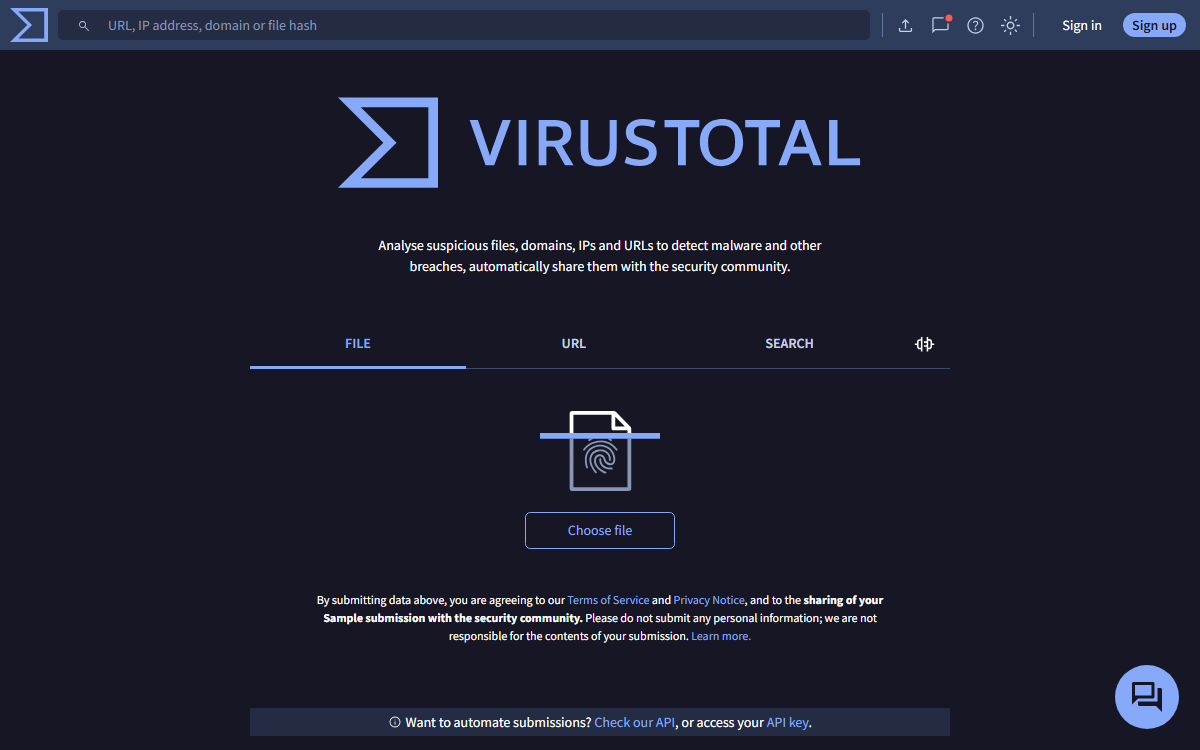
Best for: Fast file, URL, domain, and hash reputation checks.
What it does: VirusTotal helps with fast file, url, domain, and hash reputation checks. It fits best when the reader has a specific job to complete instead of collecting tools without a workflow.
Where it helps: Strong for a first security workflow check because it combines many engines and reputation signals.
Limitation or risk: Do not upload confidential files without checking your privacy rules.
Official link: VirusTotal
2. MetaDefender Cloud
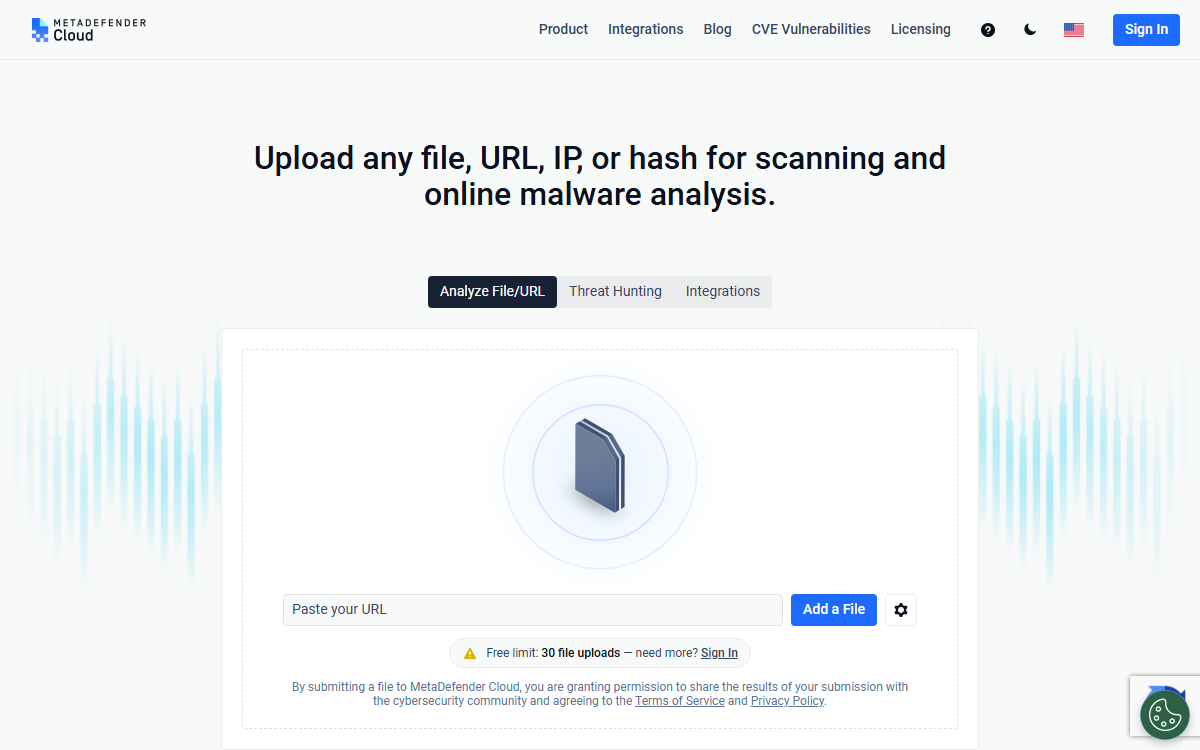
Best for: A second multi-engine opinion for files, hashes, IPs, and domains.
What it does: MetaDefender Cloud helps with a second multi-engine opinion for files, hashes, ips, and domains. It fits best when the reader has a specific job to complete instead of collecting tools without a workflow.
Where it helps: Good for comparing reputation and malware results before taking action.
Limitation or risk: Mixed detections still need human judgement.
Official link: MetaDefender Cloud
3. Jotti Malware Scan
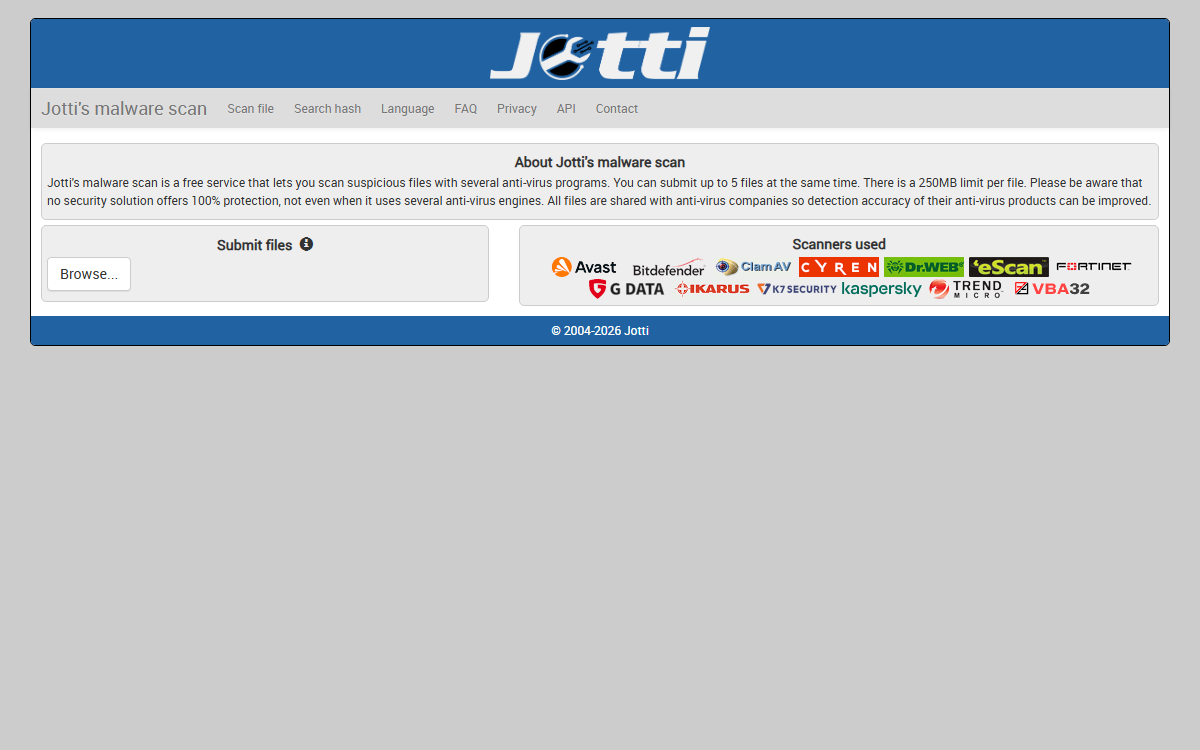
Best for: Simple upload checks when you only need a quick file scan.
What it does: Jotti Malware Scan helps with simple upload checks when you only need a quick file scan. It fits best when the reader has a specific job to complete instead of collecting tools without a workflow.
Where it helps: Useful in a lightweight workflow where speed matters more than deep context.
Limitation or risk: Avoid business-sensitive uploads.
Official link: Jotti Malware Scan
4. Kaspersky Threat Intelligence Portal
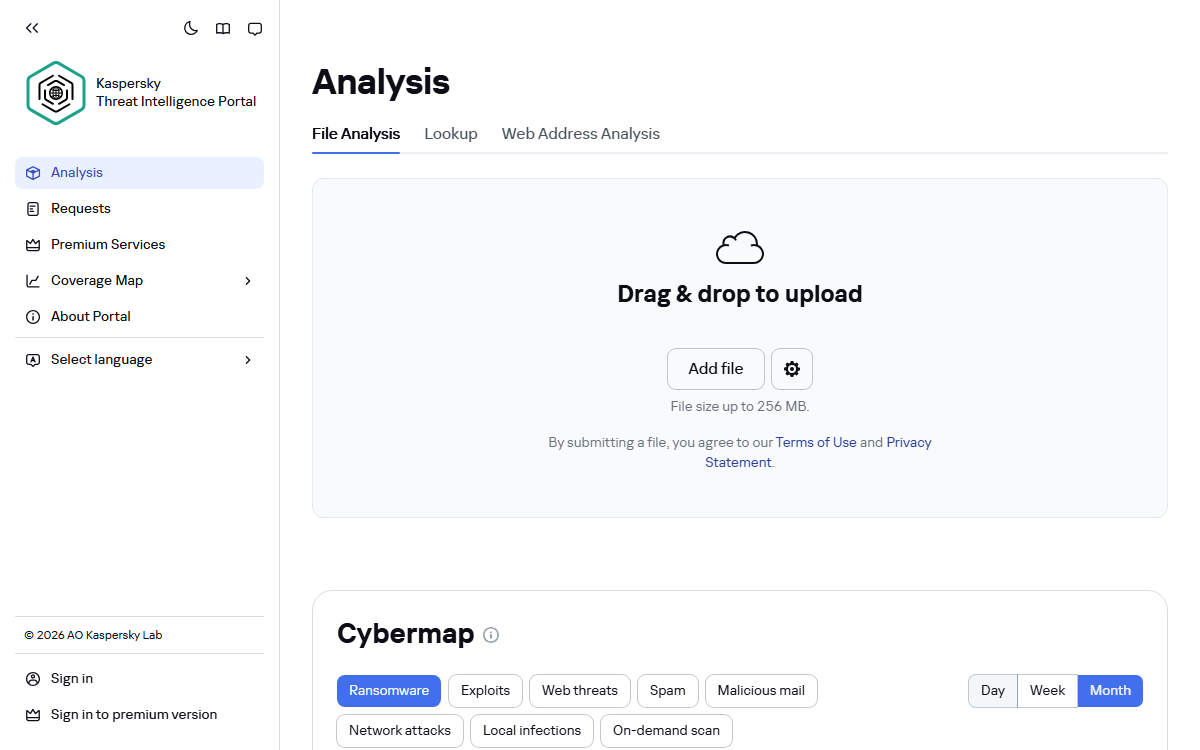
Best for: Reputation checks for files, URLs, IPs, domains, and hashes.
What it does: Kaspersky Threat Intelligence Portal helps with reputation checks for files, urls, ips, domains, and hashes. It fits best when the reader has a specific job to complete instead of collecting tools without a workflow.
Where it helps: Helpful when you need more threat context than a basic pass or fail.
Limitation or risk: Results are better when reviewed by someone who understands indicators.
Official link: Kaspersky Threat Intelligence Portal
5. ESET Online Scanner
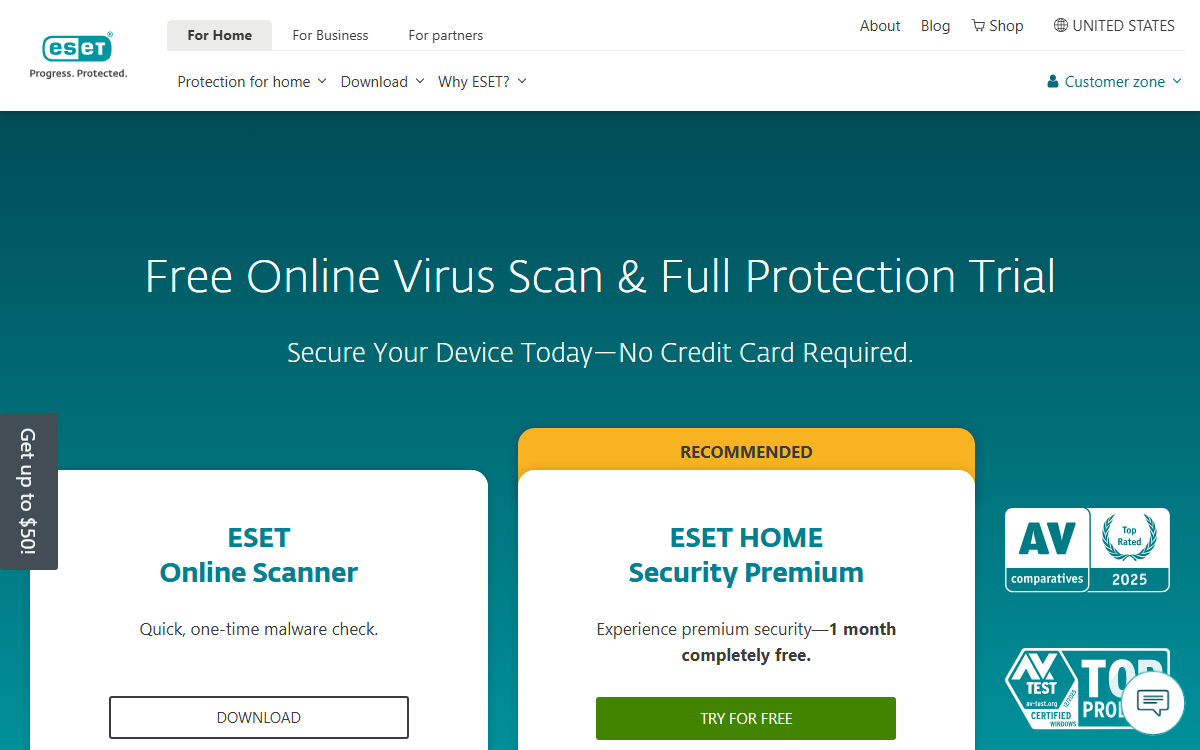
Best for: Second-opinion scans on a Windows PC.
What it does: ESET Online Scanner helps with second-opinion scans on a windows pc. It fits best when the reader has a specific job to complete instead of collecting tools without a workflow.
Where it helps: Good when the workflow moves from one suspicious file to a whole-computer check.
Limitation or risk: Review detections before cleanup.
Official link: ESET Online Scanner
6. F-Secure Online Scanner
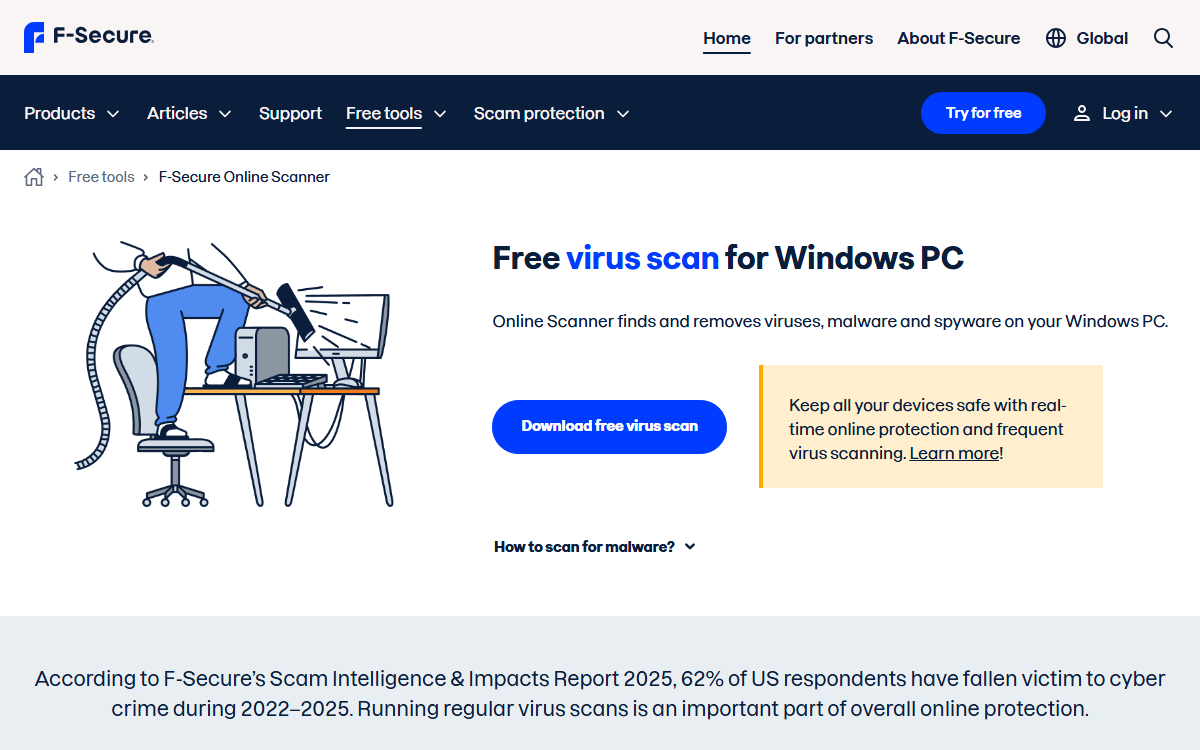
Best for: Quick Windows malware checks from a known security vendor.
What it does: F-Secure Online Scanner helps with quick windows malware checks from a known security vendor. It fits best when the reader has a specific job to complete instead of collecting tools without a workflow.
Where it helps: Useful as a simple second-opinion workflow step.
Limitation or risk: Use only the official download source and review detections.
Official link: F-Secure Online Scanner
7. Trend Micro HouseCall
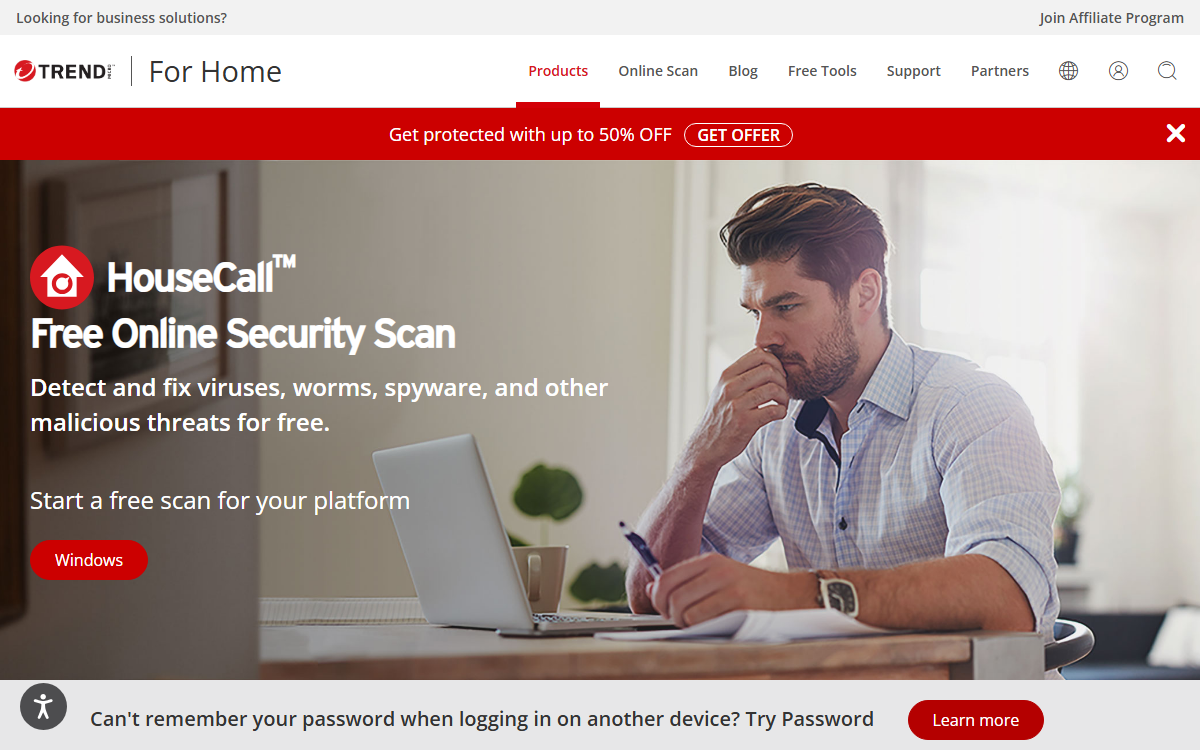
Best for: Checking suspicious behavior on a Windows computer.
What it does: Trend Micro HouseCall helps with checking suspicious behavior on a windows computer. It fits best when the reader has a specific job to complete instead of collecting tools without a workflow.
Where it helps: Good when you need a second-opinion scan without replacing your main antivirus.
Limitation or risk: Do not delete files blindly; confirm important detections.
Official link: Trend Micro HouseCall
How to choose the right scanner
- For one suspicious file: use VirusTotal, MetaDefender Cloud, or Jotti, but avoid confidential uploads.
- For a suspicious URL: use a URL or reputation scanner before opening the link.
- For a possibly infected PC: use an official second-opinion scanner from ESET, F-Secure, or Trend Micro.
- For business files: follow your internal security process instead of casually uploading documents to public scanners.
Related Techmixer guides
- Free Antivirus and Online Virus Scanner Hub
- Online Virus Scanner List
- Free Spyware Removal Tools
- Backup and Sync Software Hub
- Software Guides
FAQ
Can free online virus scanners replace antivirus software?
No. They are useful for second opinions, but they do not provide continuous protection, behavior monitoring, or automatic blocking.
Why do different scanners disagree?
Security engines use different signatures, heuristics, reputation systems, and machine-learning models. A mismatch can be a false positive or a missed threat.
Should I upload private business files to a scanner?
Usually no. Check the scanner policy and your own privacy rules first. For sensitive files, use an approved internal security workflow.
Our take
Techmixer keeps online virus scanner guides practical: what the reader should try first, what should be checked against official sources, where privacy or data-loss risk appears, and when human review matters more than a tool score.
Last reviewed: 14 September 2026.