2026 update: partition tools need a backup-first workflow
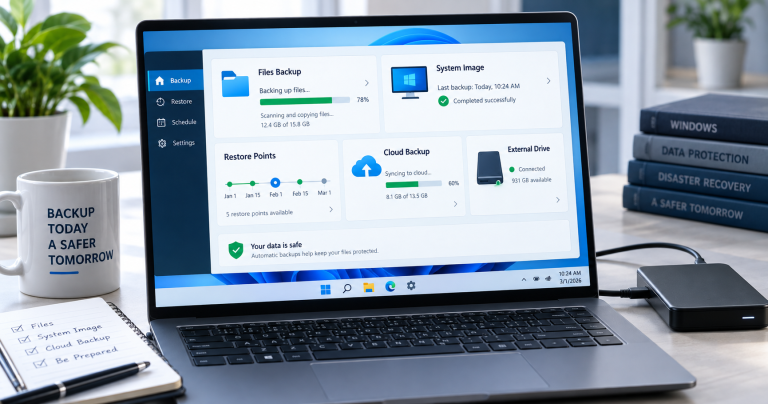
Partition managers and disk cloning tools are still useful, but they should be treated as system-level tools. Before resizing, cloning, restoring, or changing partitions, back up important files and confirm whether the PC uses BIOS/MBR or UEFI/GPT.
Related Techmixer guides: backup tools, file sync tools, fix guides, and software guides.
- Make a backup before resizing or moving partitions.
- Do not clone to a smaller disk unless the used space and partition layout support it.
- Use official documentation for bootable tools such as Clonezilla or SystemRescue.
- After cloning, check boot mode, recovery partition, and Windows activation before wiping the old disk.
Official references: Clonezilla and SystemRescue.
Partition Logic, a bootable hard disk partitioning and data management tools that allow you to create, delete, format and move partitions and modify their attributes. You can bootable either using Live CD or a floppy disk and runs as a standalone hard disk partition system to partition computer hard drive. Meanwhile, Partition logic has hard disk clone ability to clone entire hard disks data onto another hard disk.
How to create bootable hard disk partition CD:
1. Download Partition Logic ISO Images first, As Partition Logic is distributed as a compressed ‘zip’ file. The zip file contains just the CD image with an .iso file extension.2. After unzipping the ISO files, then burning ISO Images as a bootable CD using burning software.Beside that, Partition Logic also create bootable partition floppy disk which able written directly to a 1.44 MB floppy disk. However, Windows users will need a program such as RawWrite (203K) to create the disk. Linux/UNIX users can use the built-in ‘cat’ or ‘dd’ commands.So, Partition Logic is definitely another partition solution to partition hard disk or clone hard disk data from bootable.Download Partition Logic – Bootable Partition Hard Disk CDRelated Techmixer hubs
Use these Techmixer hub pages to find updated guides, safer software notes, and related workflows.