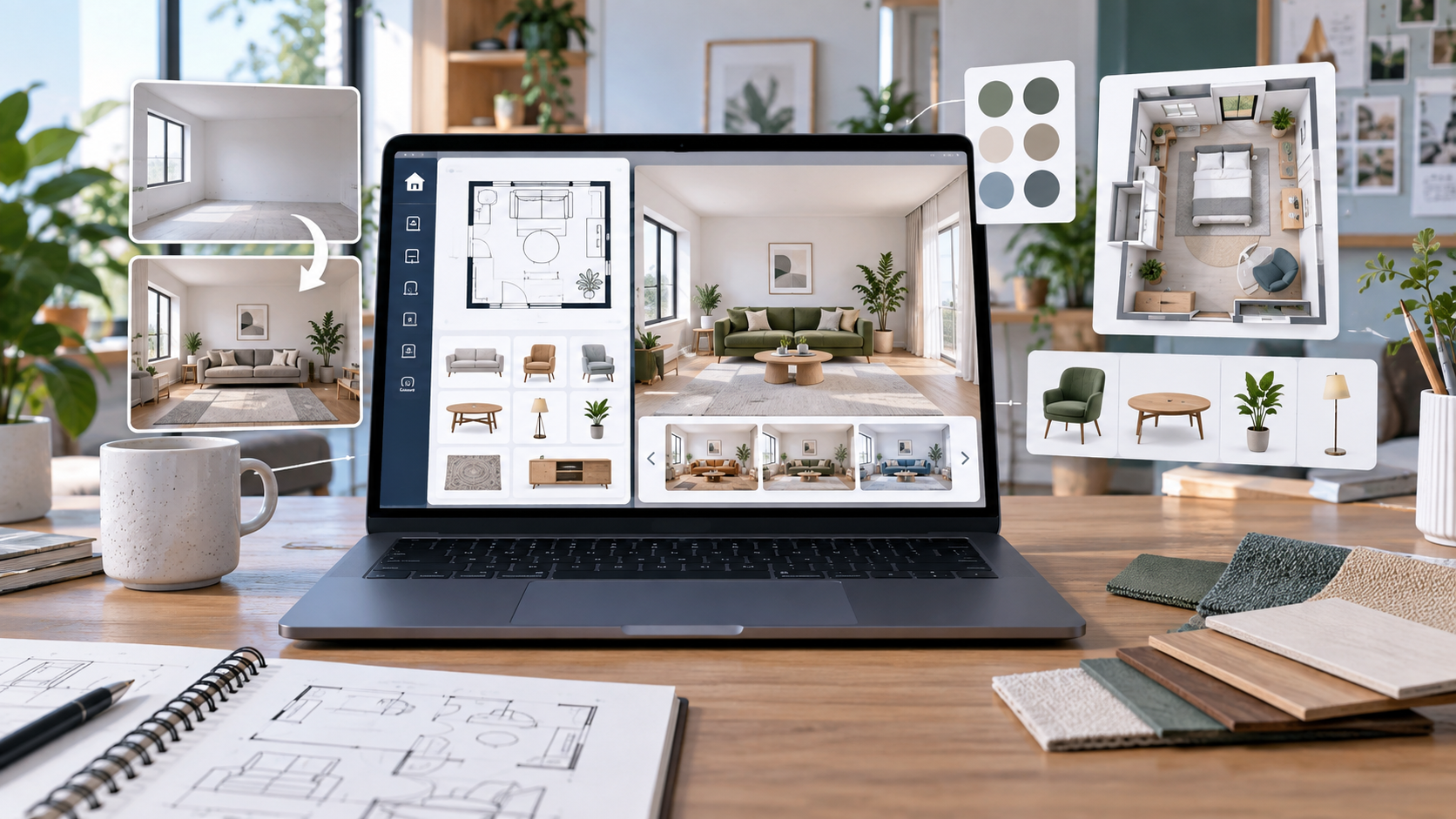
Free AI home design software is useful when you want room ideas before spending money on furniture, paint, renovation work, or a designer consultation. The best tools can help you upload a room photo, test interior styles, build a simple floor plan, or compare layout ideas quickly.
The important part is knowing what these tools are good for. They are helpful for early planning and visual direction, but they do not replace real measurements, contractor advice, material checks, or a proper renovation budget.
Quick answer
- Best overall free starting point: Planner 5D, because it combines room planning, floor plans, 3D views, and AI-assisted design tools.
- Best for browser-based 3D room design: Homestyler, because it works well for visual layouts, furniture placement, and rendered room ideas.
- Best for fast AI room redesign ideas: Home Design AI, because it focuses on uploading a space and generating interior, exterior, and room concepts.
- Best no-login quick test: VisualGPT AI Room Designer, because it is built for fast room-style previews.
- Best for before-and-after interior concepts: Dehome, because it focuses on preserving room structure while testing new looks.
What to know first
Free AI home design software usually falls into two groups. The first group helps with structured planning: floor plans, measurements, 2D layouts, 3D rooms, and furniture placement. The second group helps with visual redesign: upload a room photo, choose a style, and generate a new look.
For serious renovation planning, use both carefully. A nice AI render can inspire a style, but it may ignore real furniture sizes, door swing, natural light, electrical points, ceiling height, or local building rules.
Best free AI home design software comparison
| Tool | Best for | AI/home design strength | Free-plan note | Human review needed |
|---|---|---|---|---|
| Planner 5D | Floor plans and 3D home planning | AI floor plan recognition, room planning, 3D visualization | Free start available; advanced renders/assets may require paid use | Measurements, structural changes, and final dimensions |
| Homestyler | Browser-based interior design and 3D layouts | AI design workflow, room modeling, furniture and render previews | Free core design tools; premium content and renders may be limited | Furniture scale, model accuracy, and material choices |
| Home Design AI | Fast interior/exterior AI design ideas | Photo-based room redesign, exterior ideas, floor plan and visual tools | Free/credit-based access varies by tool and usage | Design feasibility, budget, and real product availability |
| VisualGPT AI Room Designer | Quick AI room redesign without a complex setup | Photo-to-room-design previews and style exploration | Advertises free online room design; check export and usage limits | Whether the design fits the room dimensions |
| Dehome | Before-and-after interior concepts | AI interior design that keeps structure and perspective in mind | Offers free trial/free starting access; paid limits may apply | Layout realism, material selection, and renovation constraints |
5 best free AI home design software tools
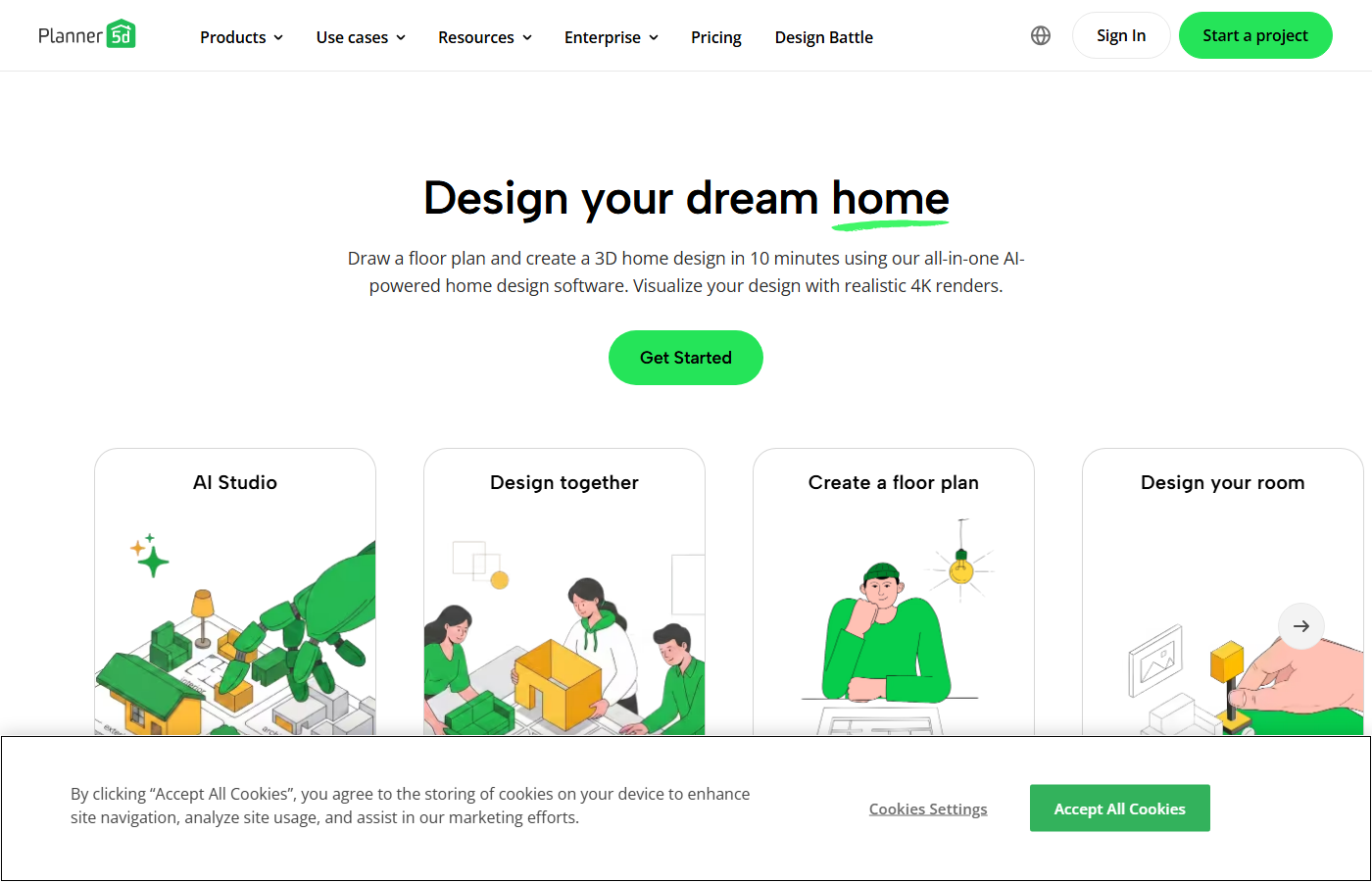
1. Planner 5D
Best for: floor plans, 3D room planning, and users who want a more complete home design workspace.
Planner 5D is the strongest pick if you want free AI home design software that does more than generate a pretty room image. It supports floor plans, 3D visualization, room design, furniture placement, and AI-assisted planning features.
Use it when you need to think about layout, room flow, and measurements. The free starting point is useful for testing ideas, but high-quality renders, advanced assets, or heavier usage may require paid features.
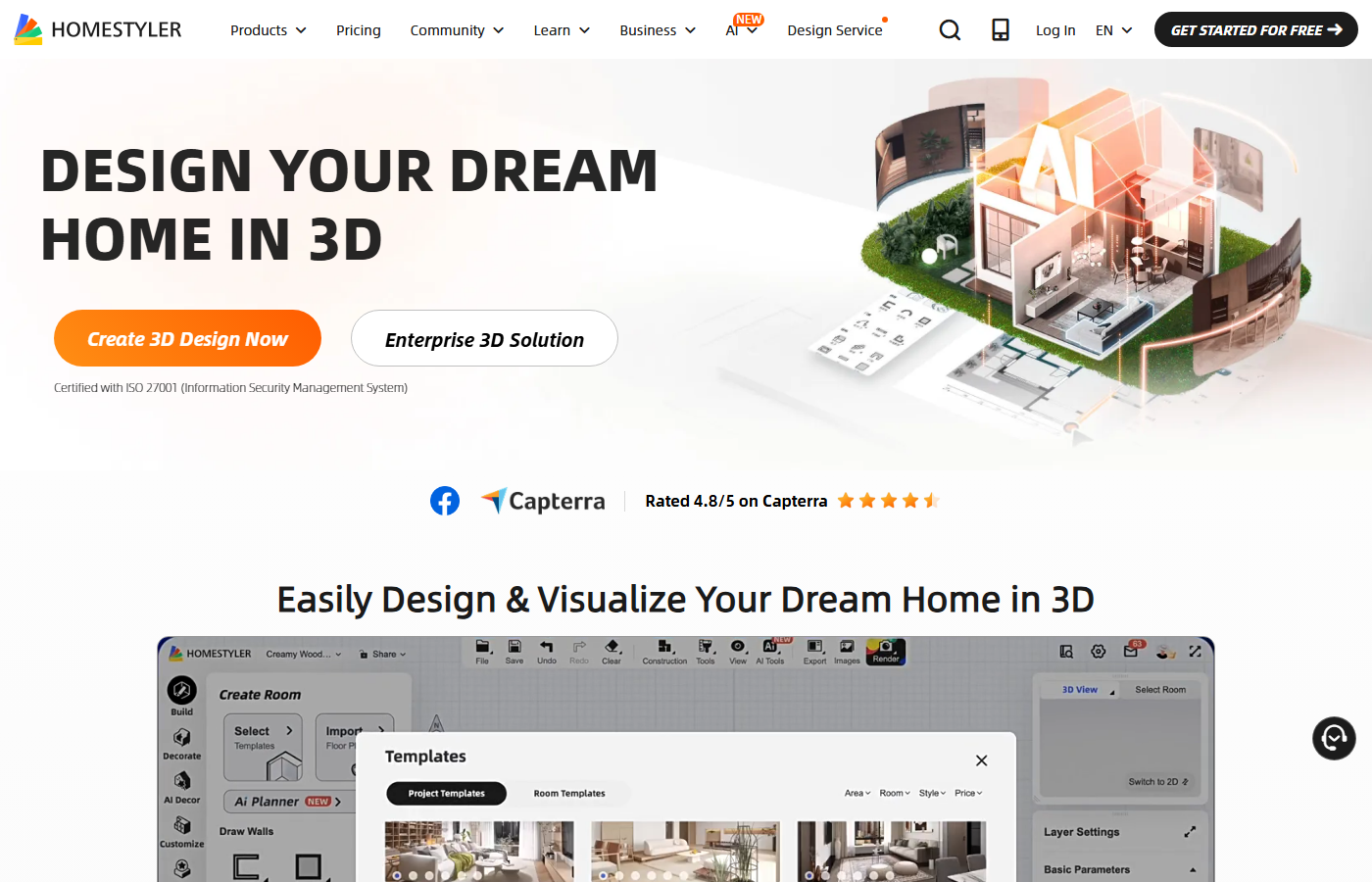
2. Homestyler
Best for: browser-based 3D interior layouts and visual room planning.
Homestyler is useful when you want to build and decorate rooms visually. It works well for testing furniture placement, room concepts, and 3D design previews without starting from professional CAD software.
The free core design workflow is helpful for experimenting, but premium templates, models, render quality, or commercial usage may involve paid tiers. It is best for visual planning, not final construction decisions.
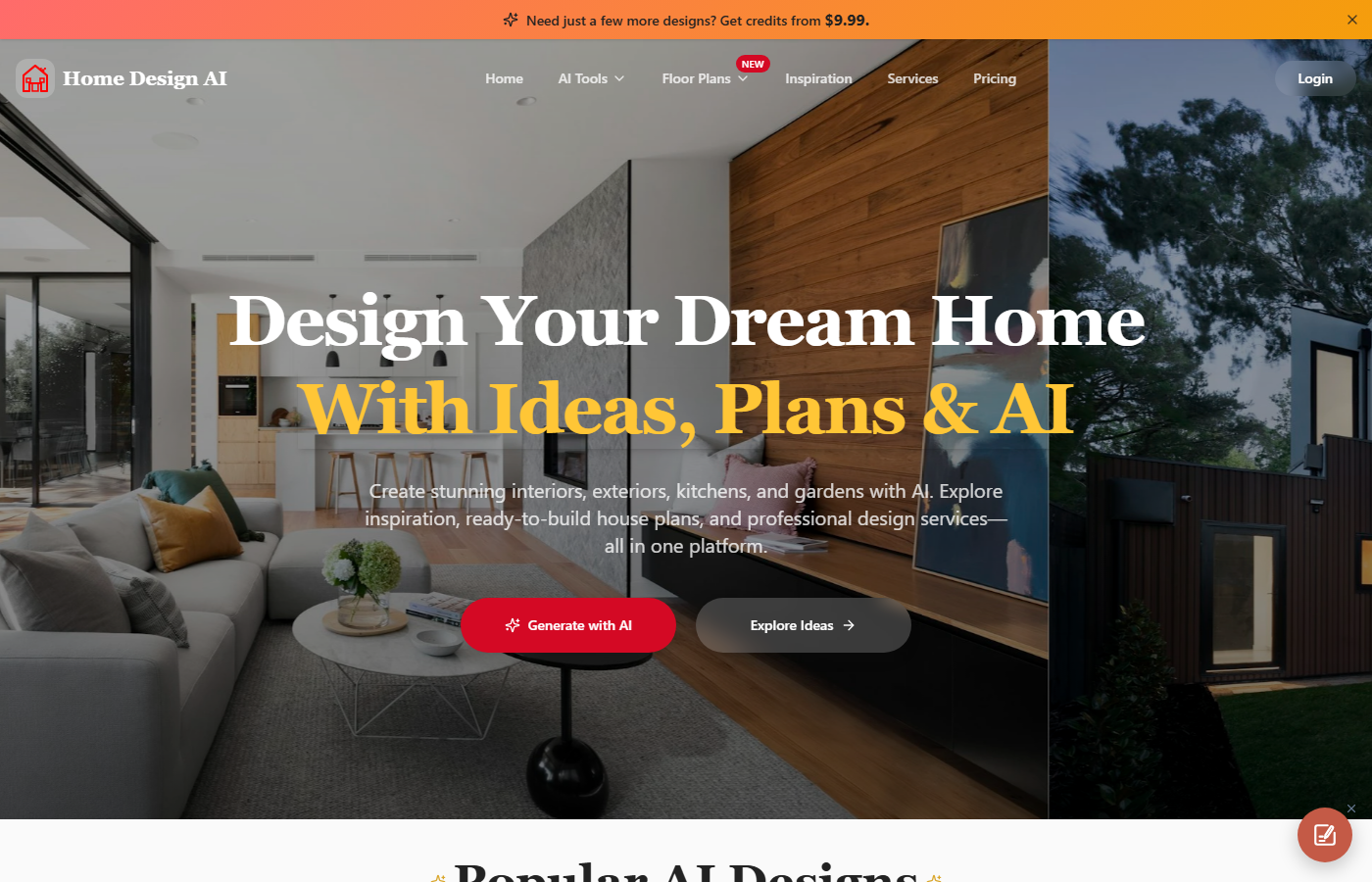
3. Home Design AI
Best for: quick AI room, exterior, kitchen, landscape, and floor plan ideas.
Home Design AI is a broad AI design site with tools for interior design, exterior design, room design, kitchen ideas, garden concepts, and floor plan-related workflows. It is useful when you want fast visual directions across different parts of a home.
Use it for early design exploration, not final renovation specs. Check credit limits, export options, and whether the generated result preserves real room constraints.
4. VisualGPT AI Room Designer
Best for: fast room redesign previews when you want a low-friction test.
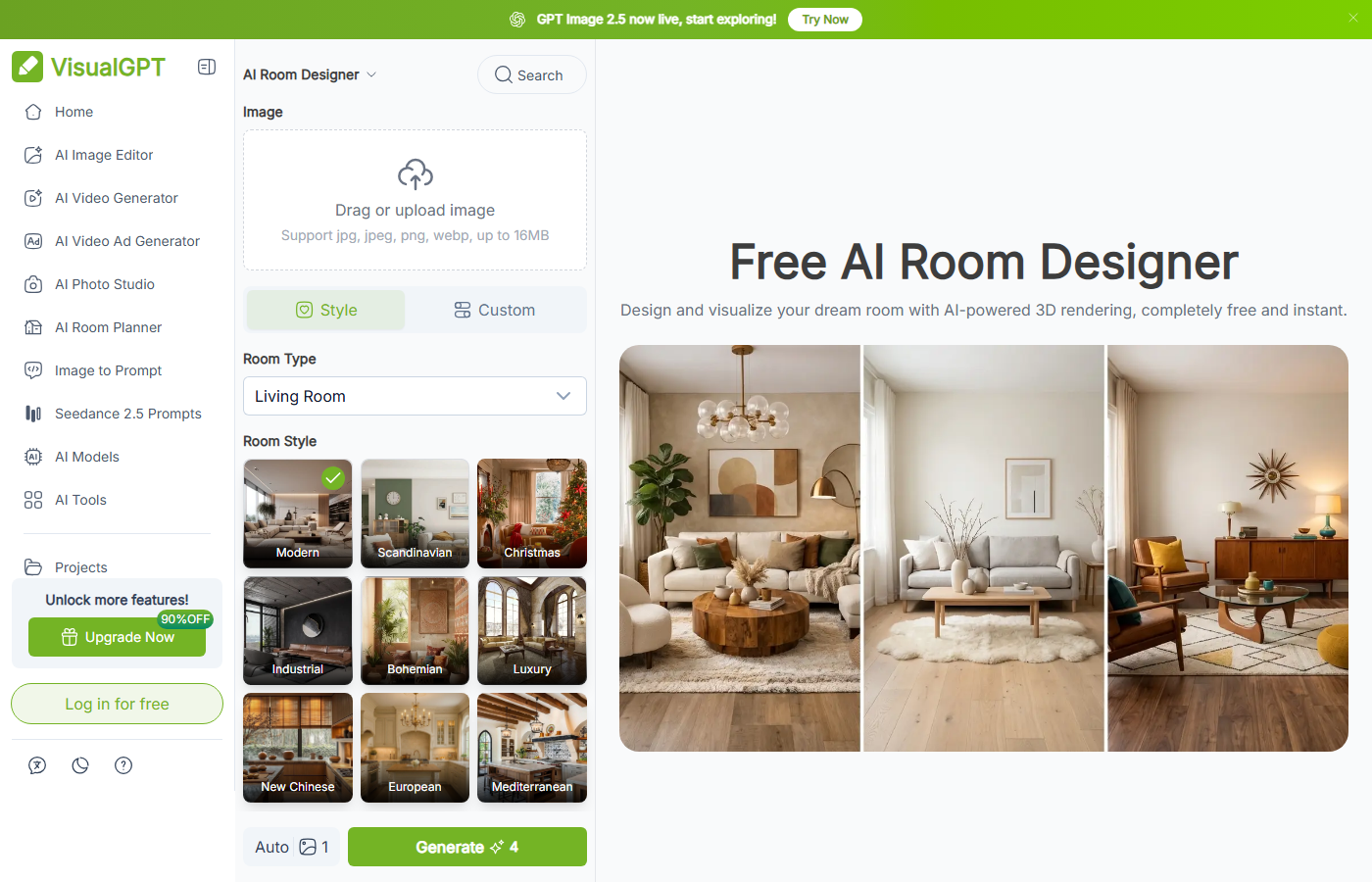
VisualGPT AI Room Designer positions itself around free AI room design and quick online room previews. It is a good option when the reader wants to upload or test a room idea quickly without building a full 3D plan.
This type of tool is best for style exploration: color direction, decor mood, and before-and-after ideas. It should not be used alone for accurate furniture sizing or contractor-ready planning.
5. Dehome
Best for: before-and-after interior concepts from room photos.
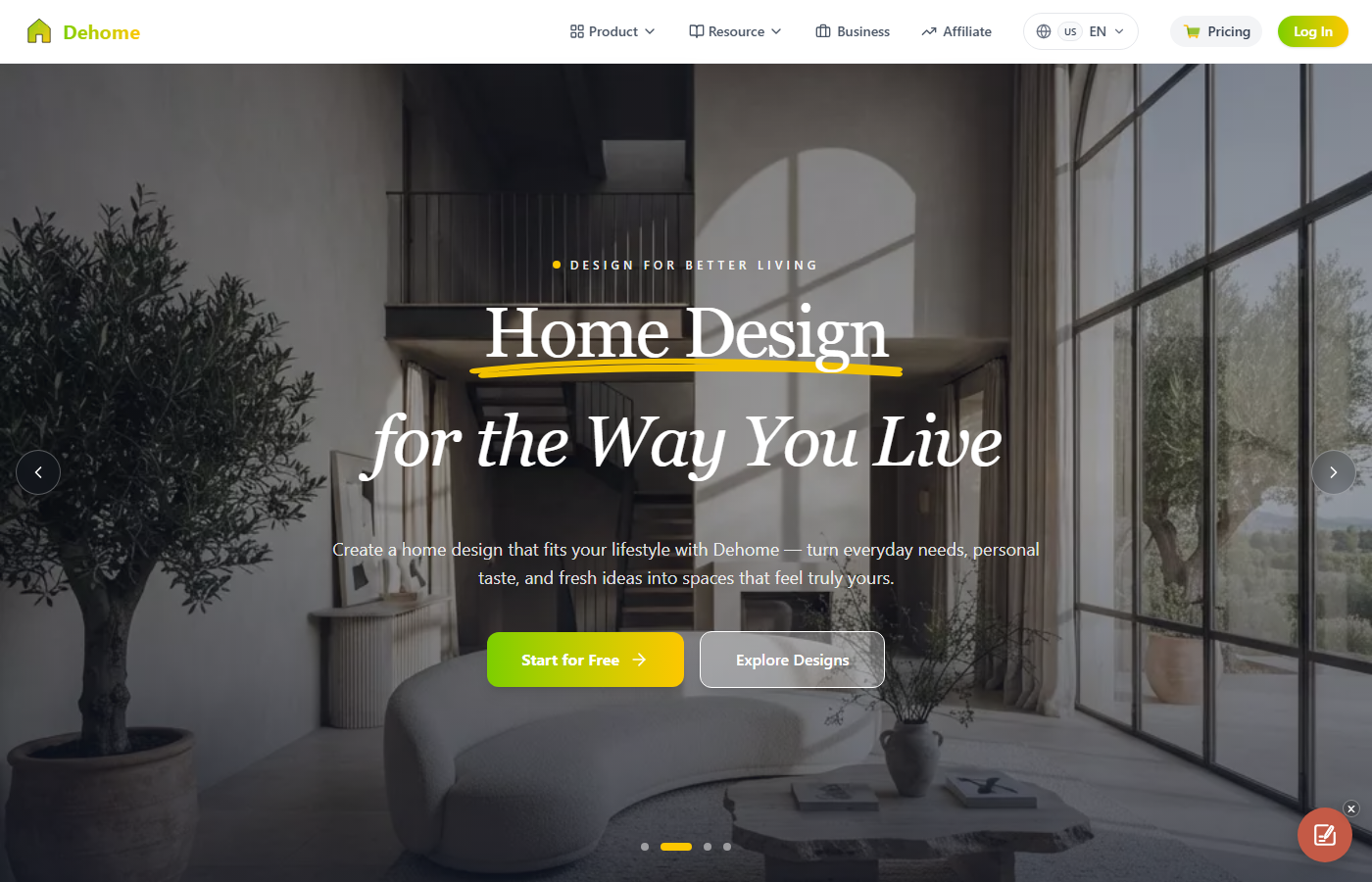
Dehome focuses on AI interior design, room decoration, and home visualization from uploaded room photos. It is useful when a reader wants to keep the same room structure but explore different styles and design directions.
Dehome is most useful as a concept generator. Before buying furniture or starting renovation work, check dimensions, real product availability, lighting, and whether the generated design matches the actual room.
How to choose the right AI home design tool
- Choose Planner 5D if floor plans and 3D room planning matter most.
- Choose Homestyler if you want browser-based visual design with furniture and room layouts.
- Choose Home Design AI if you want a wide set of AI home design categories.
- Choose VisualGPT if you want fast room redesign ideas with minimal setup.
- Choose Dehome if you want before-and-after AI interior concepts from existing room photos.
Practical workflow examples
- Small bedroom redesign: upload a photo, test three styles, then measure whether the proposed bed, desk, and wardrobe sizes actually fit.
- Living room layout: create a rough 2D layout, compare sofa positions, then check walking space and TV viewing distance.
- Kitchen idea planning: use AI renders for style inspiration, but confirm appliance sizes, plumbing, electrical points, and cabinet dimensions separately.
- Rental apartment refresh: test paint-like colors, rugs, lighting, and movable furniture without assuming structural changes are allowed.
Internal Techmixer guides worth reading next
- AI Tools for more AI software coverage.
- Software Guides for practical software workflows.
- Best Tools for comparison-style guides.
- No-code AI workflow automation tools for building repeatable AI-assisted workflows.
- Free AI employee tools for broader AI productivity ideas.
Our take
Free AI home design software is best treated as a planning assistant, not a final design authority. It can help readers see possibilities faster, compare styles, and avoid blank-page decisions. The final plan still needs real dimensions, budget checks, product availability, and human judgment.
Last reviewed: 13 September 2026.
FAQ
What is free AI home design software?
It is software that uses AI to help generate room design ideas, floor plan concepts, layout previews, or interior style changes from photos, prompts, or simple room plans.
Can AI home design software replace an interior designer?
No. AI tools can help with early ideas and visual exploration, but measurements, materials, safety, contractor feasibility, and final choices still need human review.
Which free AI home design tool is best for floor plans?
Planner 5D is a strong starting point for floor plans because it combines layout tools, 3D visualization, and AI-assisted planning features.
Which tool is best for quick room redesign ideas?
VisualGPT, Home Design AI, and Dehome are useful for quick AI room redesign ideas because they focus on photo-based visual concepts.
What should I check before using AI design results?
Check dimensions, furniture sizes, walking space, lighting, budget, product availability, and whether the generated design assumes structural changes.