DirectX 12 on Windows 10 is built into the operating system, not an upcoming release or a separate performance booster. Whether a game can use it depends on the graphics driver, GPU capabilities and the game’s requirements. This guide explains those differences; use our DirectX check, update and fix guide if you need the setup steps.
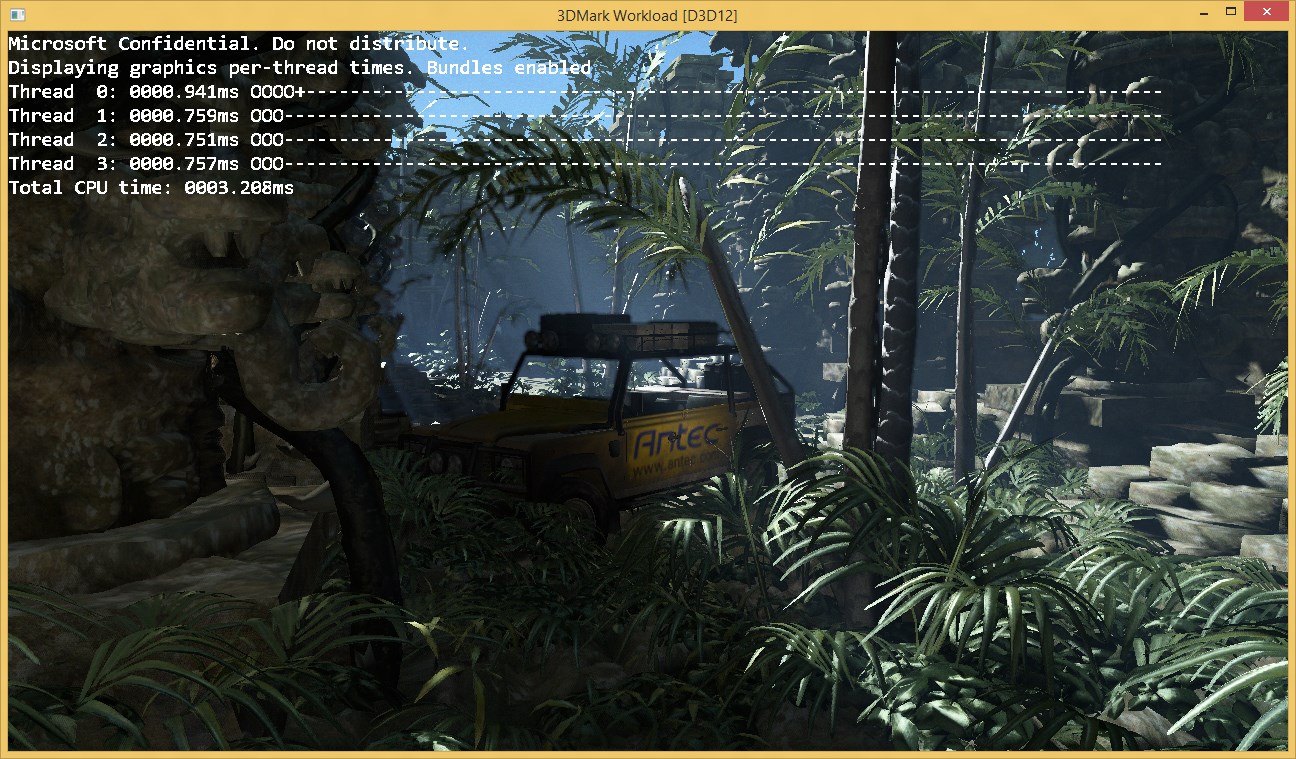
The lead image is retained from the original graphics demonstration. It is historical context, not a current benchmark or evidence of an FPS improvement on your PC.
Quick Answer
Windows 10 and Windows 11 include DirectX 12. Windows 8 and 8.1 do not provide the same system-wide DX12 support. Seeing “DirectX 12” in the diagnostic tool does not prove that your GPU supports every DX12 feature, and switching a game to DX12 does not guarantee higher frame rates.
What to Know First
Windows 10’s standard support ended on 14 October 2025. DirectX still being present does not make an unsupported Windows installation secure. Check Microsoft’s current Windows 10 support and Extended Security Updates guidance for your edition and eligibility, or plan a move to a supported system.
Four Terms That Are Easy to Confuse
- DirectX version: the Windows multimedia runtime version reported on the System tab in
dxdiag. - GPU feature level: a defined set of graphics functionality exposed by the hardware and driver. Microsoft explains that feature levels are not API version numbers or performance ratings. For example,
12_0is a feature-level label, not a separate DirectX installer. - DirectX 12 Ultimate: a feature bundle covering ray tracing, variable-rate shading, mesh shaders and sampler feedback. Microsoft’s Ultimate announcement explains the hardware capability distinction. An ordinary DX12-capable GPU need not support the full bundle.
- Legacy helper libraries: optional components required by some older games. Adding these does not upgrade the core DirectX version.
Which Windows Versions Support DirectX 12?
For an ordinary modern gaming setup, Windows 10 or Windows 11 is the relevant DX12 platform. Microsoft’s operating-system version guidance lists Windows 8 with DirectX 11.1 and Windows 8.1 with DirectX 11.2. The original article’s claim that DX12 was generally compatible with Windows 8 was incorrect.
Windows 7 needs a qualification rather than a blanket “never” claim: Microsoft enabled developers to port selected D3D12 games to Windows 7 using game-distributed support. That was not a general Windows 7 DX12 upgrade for every application. Do not install a supposed universal DX12 patch from a mirror. Windows 7 is also no longer an appropriate supported everyday gaming platform.
Will DirectX 12 Make a Game Faster?
Microsoft’s Direct3D 12 overview describes lower-level control and opportunities to reduce overhead. Developers must implement and tune those opportunities; the API name alone is not a benchmark result.
The previous article treated early demonstrations as universal promises of roughly 50% power savings or 50-60% higher FPS. Those claims and the old inline benchmark illustrations have been removed. Actual results depend on the game engine, hardware, drivers, settings and workload.
If a game offers DX11 and DX12 modes, compare them using the same scene, resolution and settings. Look for stability and consistent frame times, not just the largest FPS number. If only DX12 stutters or crashes, the DX11 option may be the more useful choice while you check the game’s support notes. Do not generalise one game’s result to your entire library.
How to Decide What to Do Next
- The game requires a feature level your GPU lacks: check the publisher’s minimum hardware requirements. A runtime download cannot add missing GPU features.
- The game reports a missing D3DX or XInput library: follow its prerequisite instructions. Microsoft’s legacy runtime installer adds optional libraries, not a newer DX12 core.
- A previously working game now crashes: record the error, recent driver or game updates, and which graphics adapter is being used. Follow the separate troubleshooting workflow rather than installing random DLLs.
FAQ
Is DirectX 12 available on Windows 8?
Windows 8 does not provide Windows 10-style DirectX 12 support. Microsoft lists DirectX 11.1 for Windows 8 and DirectX 11.2 for Windows 8.1.
Does DirectX 12 always improve FPS?
No. Performance depends on the game, GPU, driver, CPU and settings. Compare supported rendering modes in the same game rather than assuming DX12 will always be faster.
Is DirectX 12 Ultimate a separate download?
No. Ultimate describes a graphics feature bundle that needs compatible hardware, drivers and software. It is not a standalone installer that makes an older GPU support every feature.
Can selected DirectX 12 games run on Windows 7?
Microsoft provided a developer-specific D3D12-on-Windows-7 path for selected games. It does not turn Windows 7 into a general DirectX 12 platform or restore operating-system support.
Our Take
Treat DirectX as a compatibility question first. Identify the game’s requirement and your GPU’s capabilities before looking for downloads. This replaces the original pre-release coverage with a Microsoft-source explainer; it is not a current GPU benchmark or hands-on compatibility test.
Last reviewed: 4 October 2026.