A free help desk ticketing system is useful when support requests need an owner, a reply history and a status. If someone on your team can maintain a web app, osTicket’s open-source edition is one option. Start with a test inbox and prove that a customer reply reaches the original ticket before moving real support email.
Decide whether self-hosting fits
Check the osTicket download page for the current release and requirements. Budget for hosting, mail setup, updates and backups. If nobody can own those tasks, compare a managed help desk and check its agent, email and export limits before committing.
Test a free help desk ticketing system in five steps
- Choose one queue. Start with general support and a named owner. Create test accounts with the permissions each person needs.
- Connect a test address. Choose the inbound mail method your host supports. If using piping, check osTicket’s email piping documentation. Keep your main inbox on its current route during the trial.
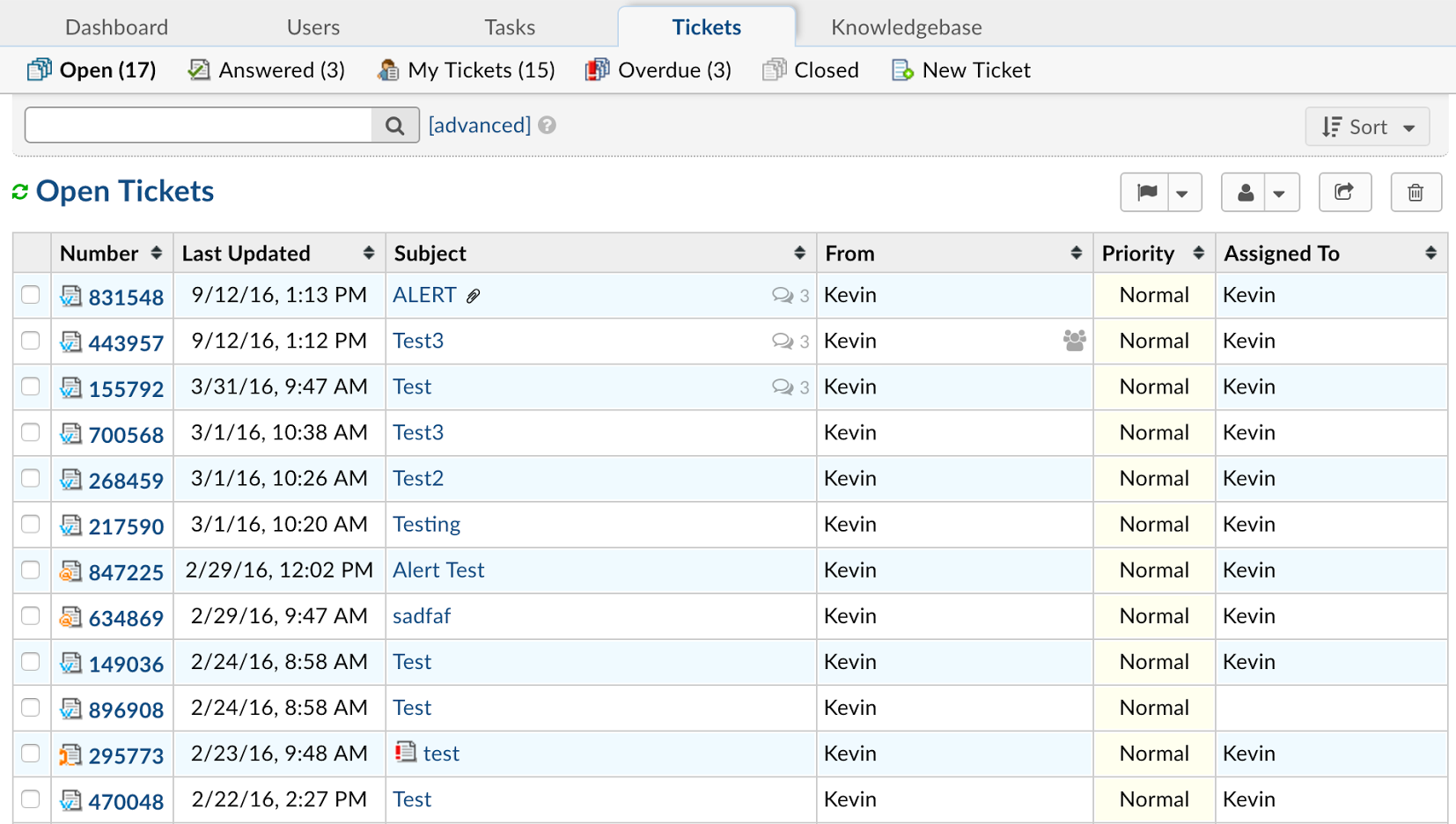
- Send one request. From a separate test address, send a message such as “I can’t download my invoice.” Confirm that one ticket appears and that your team can see it in the queue.
- Assign it and reply. Give the ticket to the owner. Reply as the agent, then respond from the test address. Check that the customer’s response lands in the original thread and that your team knows who should reply next.
- Check recovery. Document who will back up and restore the system. Test restoring the pilot in a separate environment before relying on it for customer history.
What to check when the trial fails
- No ticket arrives: confirm mail reaches the test address, then check the configured inbound route.
- Two tickets arrive: check whether more than one mail route is feeding the same message into the help desk.
- An agent can sign in but sees no ticket: verify department access and assignment. See the osTicket agent queue documentation.
Record four things for your sample request: when it reached the queue, who owned it, whether the reply returned to the same thread, and what survived the recovery test. If email intake works but replies create new tickets, resolve threading before routing real messages into the help desk.
Test the ticket lifecycle with two people
Ask one person to act as the requester and another to act as the support agent. Use a test address outside the help desk mailbox. Send an initial message, add a follow-up, and check that both are visible to the assigned agent. Then have the agent close the ticket and confirm how a later reply is handled under your settings. Record what needs to change before you move the real mailbox.
Decide if the pilot is ready for real requests
Write down a pass condition before the trial: one incoming request creates one ticket, the right agent can see it, the reply reaches the requester, and a follow-up returns to the same thread. Have the agent hand off the ticket once to check that the next person can see the history.
Run the same checks with a second test request that includes a harmless attachment. Confirm that the intended agent can open it and that a test account without access cannot see the ticket. If the inbox route, ownership or attachment permissions fail, fix that part and repeat the trial before moving the real mailbox.
Our take: A pilot passes when someone can receive, assign, answer and recover a ticket. Before adding automations to your help desk ticketing system, agree who handles replies when the assigned agent is away. This example is based on documentation. For related guides, see Software Guides and Backup and Sync.