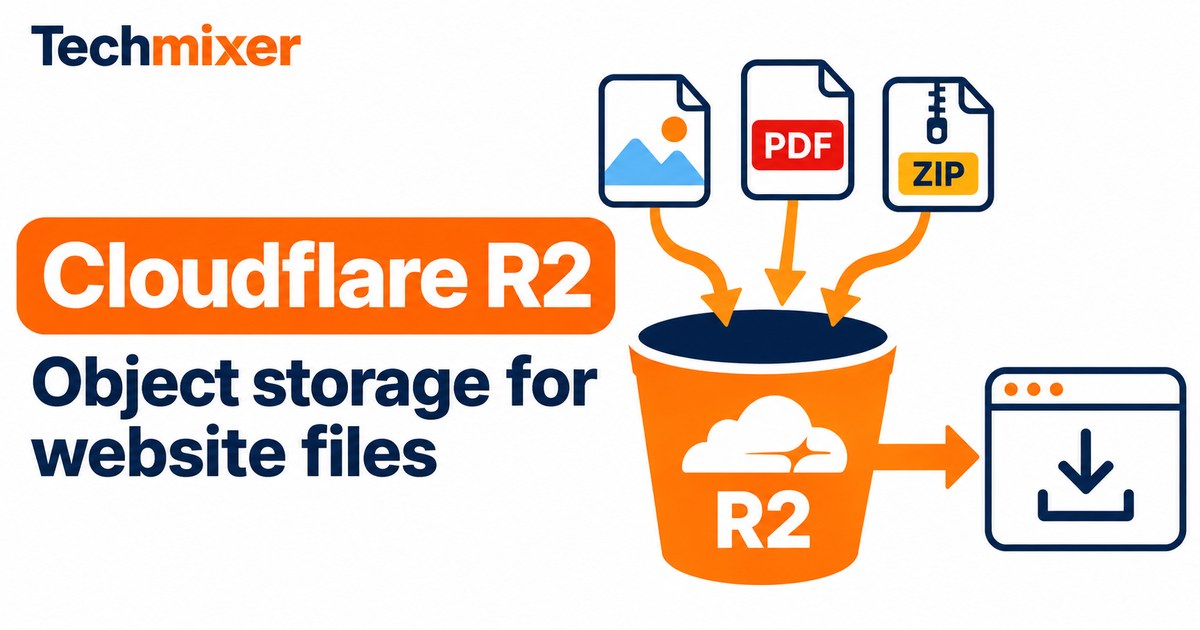
You can set up a free CDN for website files by pairing Cloudflare R2 Standard storage with Cloudflare’s edge cache on a custom domain. R2 holds the original files. The CDN serves cached copies of eligible files closer to visitors. For a small site that stays within R2’s Standard allowance and uses included CDN features, the R2 bill can be $0. Budget separately for your domain and any paid services. R2 caching documentation.
Start with one public asset, such as a product photo or a PDF catalog, on assets.example.com. Keep backups and customer documents in a separate private bucket. Once the public URL works, check the cache response before changing links across your site.
What to serve through your free CDN
R2 holds the files your site links to. Your website host still handles the pages, and your application still handles logins, forms and database queries. For example, a small business could serve its site through Cloudflare Pages and store a large catalog PDF in R2. The site links to the PDF by its public URL, so updating the catalog can be a separate release from rebuilding the site. Cloudflare Pages overview.
For a WordPress site, start by moving one independently linked download. Offloading the entire media library is a separate migration. Confirm that your plugin supports R2’s S3 endpoint and test thumbnails, existing URLs and restore behavior before relying on it. R2 supports an S3-compatible API, so check the specific operations your software needs. R2 S3 API compatibility.
When the CDN setup can cost $0
The Standard tier includes 10 GB-month of storage, 1 million Class A operations and 10 million Class B operations each month. Uploading and listing objects usually count toward Class A. Fetching an object or checking its metadata usually counts toward Class B. After the included usage, Standard storage costs $0.015 per GB-month, Class A costs $4.50 per million and Class B costs $0.36 per million. Rates are in USD and were checked on 7 November 2026. R2 pricing and billing units.
Worked example. Suppose you average 30 GB-month of Standard storage and use 200,000 Class A and 12 million Class B operations in a month. Assuming the full free allowance is available, you pay $0.30 for 20 billable GB-month and $0.72 for 2 million billable reads. The estimated R2 total is $1.02 before taxes and separate services. Count requests reaching R2, which can differ from visits or download clicks. Cloudflare rounds billable usage up to its billing units. Cloudflare billing examples.
Start with Standard for a new website or any collection you read regularly. Infrequent Access has a lower storage rate and separate retrieval charges, higher operation rates and a minimum storage duration. Its usage falls outside the Standard free tier. Compare storage and retrieval together if you are deciding where to archive old files. R2 storage classes.
1. Create a bucket for public files
Open R2 Object Storage in the Cloudflare dashboard and review the subscription and billing terms. Create a bucket with a descriptive name such as site-downloads and choose Standard for the first test. Keep the bucket private while you check the contents and access settings. Cloudflare R2 setup guide.
2. Upload and download a harmless sample
Open the bucket and upload one file through the dashboard. Copy its exact key, including any folder-like prefix, and download it from the dashboard. Open the copy and confirm that the file matches. This gives you a baseline before you introduce public access, a CDN or an application integration. R2 upload instructions.
3. Connect a CDN hostname
Add your domain to the same Cloudflare account as the bucket. In the bucket settings, open Custom Domains and connect a dedicated hostname such as assets.example.com. Once the connection is active, open the full file URL in a private browser window. For example, an object named images/logo.png would be served from https://assets.example.com/images/logo.png. A custom domain lets you use Cloudflare’s cache. Keep the rate-limited r2.dev endpoint for development. R2 custom domain instructions.
4. Verify that the CDN caches the file
Request the same public URL twice from the same machine. In the browser’s Network panel, inspect the response headers. You can also run the GET request below twice. A CF-Cache-Status: HIT response shows that Cloudflare served a cached copy for that request. A first MISS can be normal. Repeated MISS, DYNAMIC or BYPASS responses are a reason to check the file type, response headers and cache rules. Cloudflare cache response codes.
curl -sS -D - -o /dev/null https://assets.example.com/images/logo.pngReplace the example URL with your own. On Windows, use curl.exe and replace /dev/null with NUL. If a public file type needs an explicit cache rule, scope eligibility to your asset hostname and intended paths. Use a new filename for a new version or purge the affected URL if the filename must stay the same. Cloudflare Cache Rules.
Check your free CDN before switching live links
Test one real asset from a page that uses it. Open the page with a clean browser session, confirm the file loads over HTTPS, and compare its response to a second request for the exact same URL. A browser cache hit can hide the network response, so use the command above if the Network panel shows that the browser reused its own copy.
Check R2 request metrics after the test. For example, if a campaign generates 100,000 asset requests and 90,000 are served from the edge cache, the remaining 10,000 are a rough estimate of requests that may reach R2. Revalidation and other bucket traffic can change the actual count. Use the bucket metrics for billing estimates. R2 metrics and analytics.
Troubleshooting and cleanup
If a download returns 404, check the exact key and case first. If the dashboard download works and the public URL fails, verify the hostname’s connection and bucket access. A browser-only CORS error can occur when JavaScript fetches across origins. Check the allowed origin and methods for the request. CORS controls browser behavior and access permissions control who can retrieve the object. R2 CORS configuration.
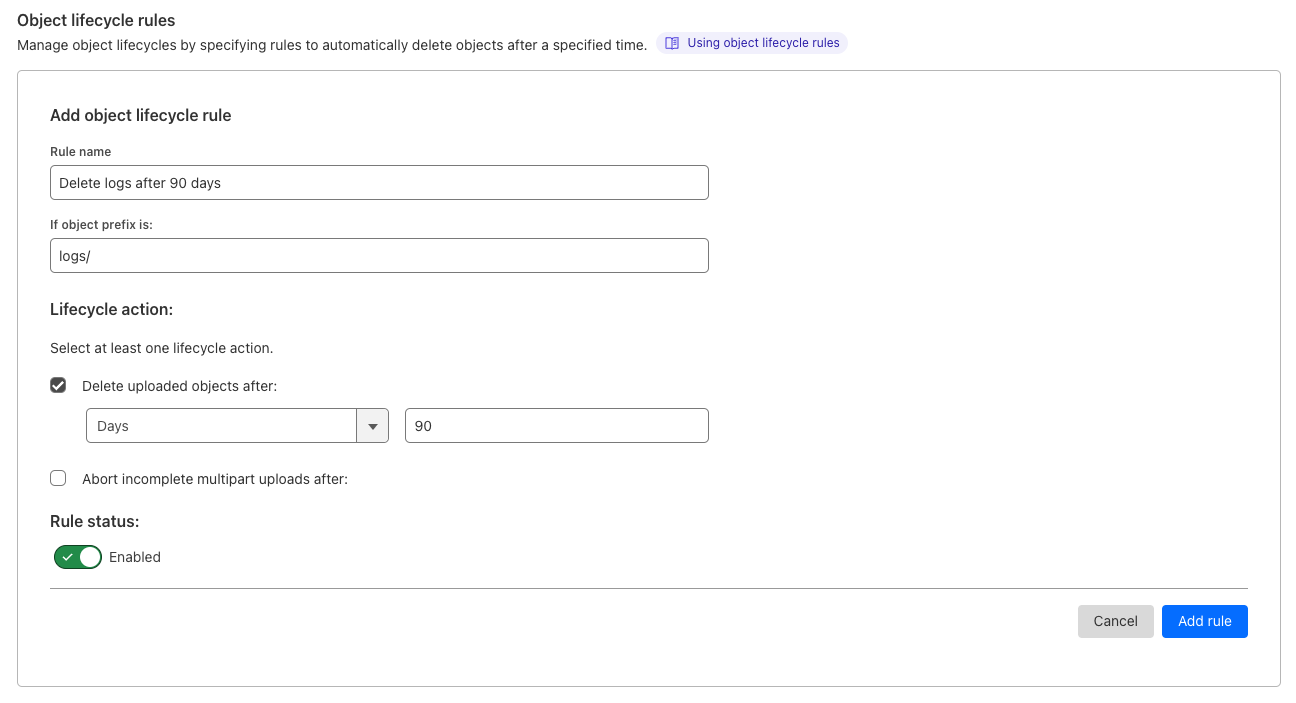
Review operation counts after a representative period. For temporary exports, a lifecycle rule can expire objects under a dedicated prefix. Test the scope with disposable objects and verify that important files are outside the prefix before enabling a deletion rule. R2 object lifecycle rules.
Questions about R2
Will a public R2 bucket show visitors a directory of files?
R2 public delivery serves objects by their keys. Publish your own download page or manifest if visitors need to browse a collection. Keep personal files in a separate private bucket.
How should I update a PDF without serving a stale copy?
Upload the new PDF with a versioned key such as catalog-2026-11.pdf, check the new URL and then update the link on your website. If the URL must stay the same, check the cache rules on your delivery domain and purge the affected cached URL when needed.
Related Techmixer guides
Our take
Start with one public file and confirm its URL, cache behavior and request counts. Then move a small group of assets and check their links before rolling out the rest.
Techmixer reviewed Cloudflare’s documentation, calculated the example from its published rates and used an attributed Cloudflare dashboard screenshot. Live account setup and billing were outside this review. Last reviewed 7 November 2026.