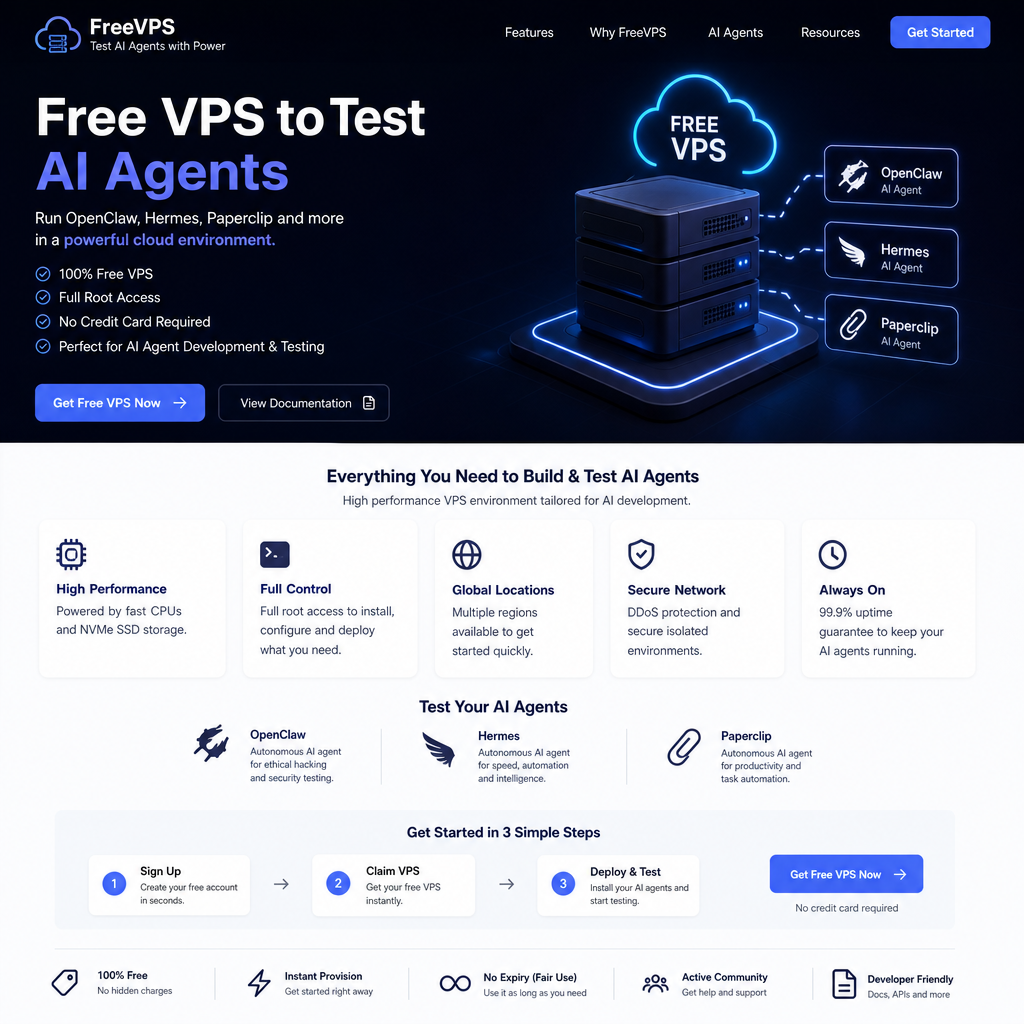
Free VPS from Nvidia to test out your autonomous AI agent for free. We are going to explain how you can claim a free Nvidia VPS (with insane hardware specs) and use it to host the three hottest AI agents on the internet right now: OpenClaw, Hermes, and Paperclip. Best part is completely free VPS Nvidia packed with up to $10,000 in promotional compute credits. The Free Nvidia VPS come with insane up to 96 Cores / 96GB RAM.
on this free VPS, Imagine having a brilliant assistant who works 24/7. They clear your inbox, research your competitors, write code, and send you friendly updates on WhatsApp. They never sleep, never ask for a raise, and never take a coffee break.
Welcome to 2026. We are officially in the era of the autonomous AI agent. We have moved way past basic chatbots that just type text on a screen. Today’s AI agents can actually do things—click buttons, browse the web, and manage your digital life.
But there is a catch: Where do they live?
If you run an AI agent on your MacBook, the AI goes to sleep the second you close the lid. To keep your AI working around the clock, you need a Virtual Private Server (VPS)—a computer in the cloud that never turns off. Usually, renting a powerful cloud server costs a small fortune.
In this guide, we are going to explain how you can claim a free Nvidia VPS (with insane hardware specs) and use it to host the three hottest AI agents on the internet right now: OpenClaw, Hermes, and Paperclip.
Meet the AI Dream Team
Before we set up the server, let’s talk about the software. If you are new to AI agents, here are the three heavyweights you need to know about. Think of them as your future digital employees.
1. OpenClaw: The Ultimate Personal Assistant
OpenClaw is the viral open-source AI that took the internet by storm. Think of OpenClaw as your personal secretary. Instead of using a clunky app, you just text OpenClaw on WhatsApp or Telegram. You can say, “Read my last 10 emails, summarize the urgent ones, and draft replies.” OpenClaw will do it. It is the best “do-it-all” agent for your everyday digital chores.
2. Hermes: The Agent That Actually Learns
Built by Nous Research, Hermes is the “smart learner” of the group. Most AI agents have amnesia—every time you start a new task, they start from zero. Not Hermes. It has a built-in “learning loop.” If you ask Hermes to format a messy spreadsheet and it struggles but eventually gets it right, it saves that experience as a “skill.” The next time you ask, it does it perfectly and twice as fast.
3. Paperclip: The Digital CEO
If OpenClaw is your secretary and Hermes is your specialist, Paperclip is the manager. Let’s say you want to run a fully automated online business. You need multiple AI agents working together. Paperclip is an open-source app that lets you build an “Org Chart” for your AI. You can hire OpenClaw to be your marketer, Hermes to be your coder, and give them a budget. Paperclip sits at the top, managing their tasks, tracking their server costs, and making sure they hit your business goals.
How to Get Free VPS From Nvidia
Nvidia’s developer portal currently offers a promotional workspace for developers. The maximum limits are mind-blowing: up to 96 CPU cores, 96GB of RAM, and a 500GB hard drive. (For context, a server like this would normally cost thousands of dollars a month).
Here is exactly how to get it without getting blocked by their security filters.
Step 1: The Email Trick
Do not try to sign up with a Gmail, Yahoo, or Outlook email address. Nvidia’s system will instantly flag you as a bot and reject your account. You must use a custom domain email (like hello@yourname.com). If you don’t have one, you can buy a cheap .xyz domain for a few dollars and use a service like Cloudflare to route the emails.
Go to the Nvidia Developer Portal or Nvidia Air.
Sign up using your custom email.
Make sure the birthdate you enter makes you over 18 years old.
Verify the code sent to your email.
Step 2: Build the Server (Don’t Be Greedy!)
Once you are logged into the Nvidia dashboard, click “New” to create a project. You will see a screen where you can drag and drop different operating systems.
Find the Ubuntu icon (a popular, easy-to-use version of Linux) and drag it into your workspace.
Click the Ubuntu icon to choose your hardware.
? WARNING: You will see a slider letting you crank the power up to 96 Cores and 96GB of RAM. Do not do it. If a brand-new, free account immediately requests maximum enterprise-grade power, Nvidia’s security bots will ban your account instantly.
For AI agents, keep it modest. Slide it to 4 Cores and 8GB of RAM. This is plenty of power to run OpenClaw or Hermes, and it keeps you safely under the radar. Click “Update” and press the “Play” button to turn the server on.
Step 3: Open the Doors (Port Mapping)
Right now, your server is locked in a digital vault. You need to open a few doors (called “Ports”) so you can control it from your home computer.
Look for your default login credentials on the dashboard (Username:
ubuntu, Password:nvidia).Go to the Services tab and click New Service. Wait for the network (
eth0) to load.Map Port 22: This is the standard door for remotely controlling a server. The system will give you a random public port (like
15022).Map Port 3000: This is the door you will need later to look at web dashboards (like Paperclip’s management screen).
Now, open a terminal app on your computer (Mac users can use “Terminal”, Windows users can download “PuTTY” or “Xterminal”) and log in using the public IP address and the random port Nvidia gave you.
Installing Your AI Agents
Once you are logged into your server’s black-and-white command line, you are ready to install your AI!
To install OpenClaw: Because OpenClaw is built on JavaScript, you just need to install Node.js first. Then type
npm install -g openclaw@latest. It will walk you through connecting it to your Telegram or WhatsApp account.To install Hermes: The Nous Research team made this incredibly easy. You just copy and paste their official installer script from their GitHub page, and it sets everything up for you.
To install Paperclip: If you are ready to manage a team of agents, you will install Paperclip as a web server. Once running, you can open your web browser, type in your server’s IP address (using that Port 3000 we opened earlier), and you will see a beautiful dashboard where you can start “hiring” your AI team!
The Catch: The 7-Day Timer
There is no such thing as a truly free lunch. Nvidia is giving you thousands of dollars of computing power, but they don’t want people leaving servers on and forgetting about them.
Your server operates on a countdown timer. The maximum time it can run is 7 days. If the timer hits zero, the server shuts down.
The Fix: You simply need to log into the Nvidia website once a week, go to your dashboard, and click a button to add another 7 days. It takes 30 seconds. As long as you click that button once a week, your AI agents will live in the cloud for free, forever!
Wrap Up
Setting up a cloud server might sound intimidating if you aren’t a programmer. But by following these steps, you are skipping the massive learning curve and jumping straight into the future.
With a free Nvidia VPS powering tools like OpenClaw, Hermes, and Paperclip, you aren’t just playing with AI chatbots anymore. You are building your own autonomous, 24/7 digital workforce. Happy building!