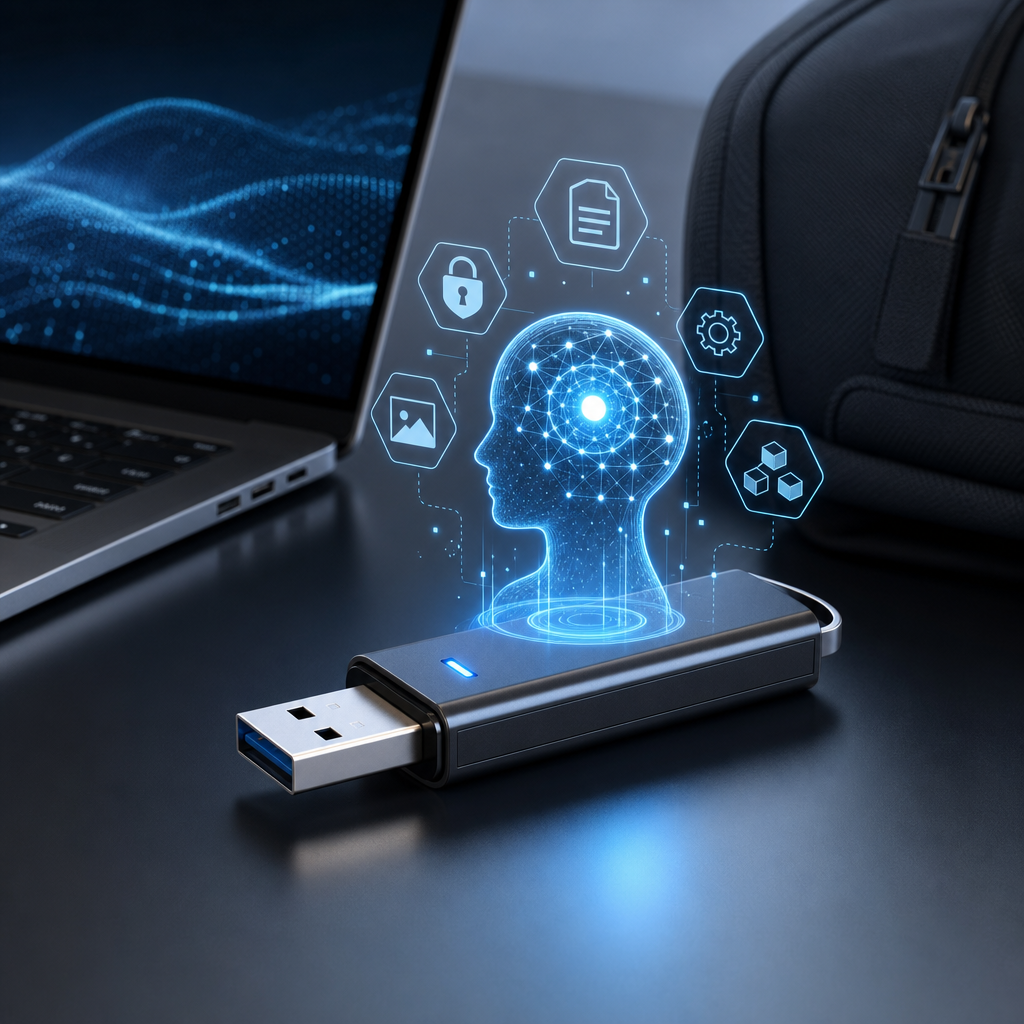
Build an Offline AI on USB: Your Private AI Assistant Anywhere, Anytime
Imagine having a powerful AI assistant right in your pocket—no internet needed, no data leaks, and completely private. Sounds like a tech dream, right? Well, it just became a reality. A free, open-source offline AI on USB has just dropped on GitHub, and it’s already turning heads with over 1,300 stars. This tiny but mighty AI tool runs fully offline on Windows, Mac, and Linux, no setup fuss, and promises zero tracking or data touching your computer.
Curious how this works and why you should care? Let’s dive in and explore what makes this portable AI so special and how you can get it running in minutes.
What Is This Offline AI on USB?
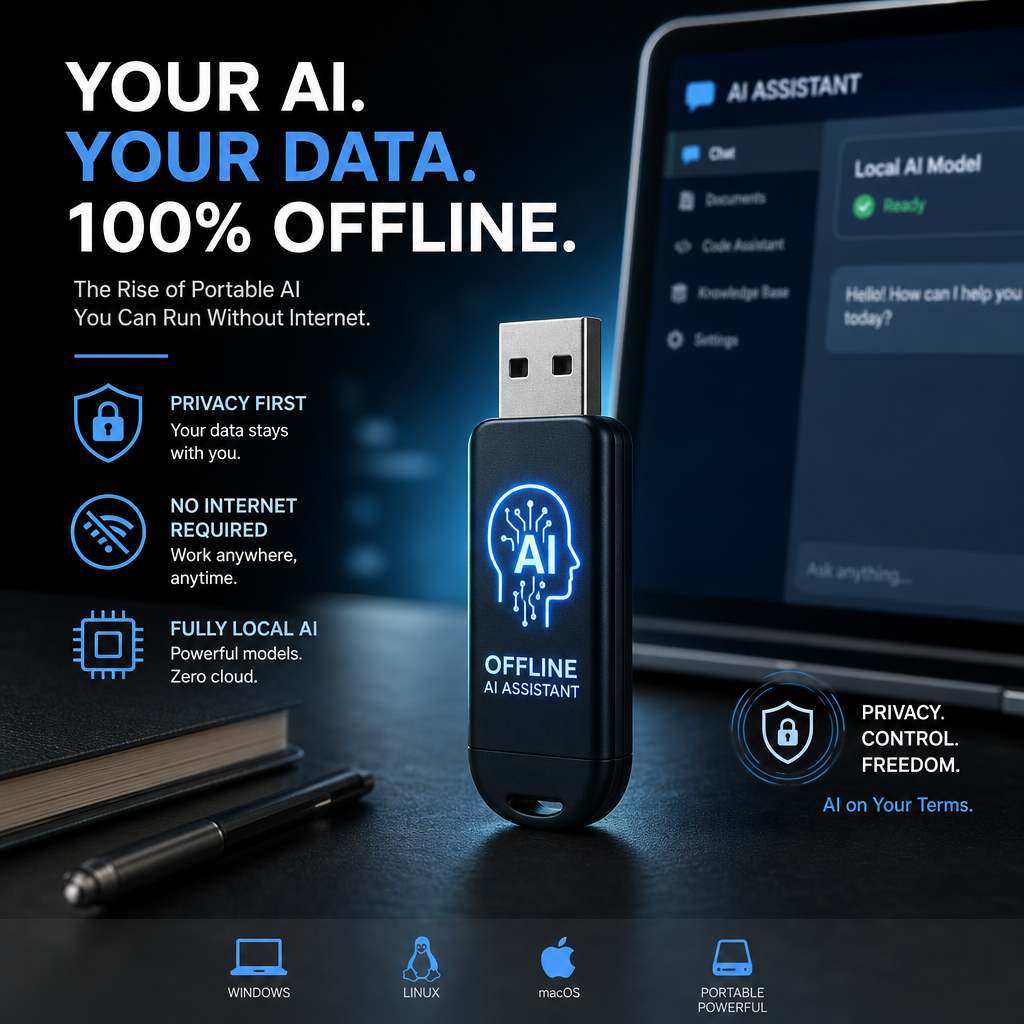
At its core, this is an AI assistant transformation that lives entirely on a USB stick. No cloud, no streaming, no sneaky data grab—just your AI, your way. It’s powered by a handful of popular AI models (like Ollama and AnythingLLM), and you get to pick from six different options. Fancy an uncensored chatbot? NemoMix 12B and Dolphin 3 are ready to roll. Prefer a more standard AI model? There’s Mistral, Qwen, Llama 3.2, and Phi-3.5 to choose from.
In fact, it even supports custom GGUF models from platforms like HuggingFace, so you can bring your own preferred AI with you. Everything—settings, chat histories, models—is stored directly on the USB drive itself.
Why Does Offline AI Matter?
Using AI on your own device might sound techy, but the benefits hit home for anyone who:
- Values privacy. No more worrying whether your conversations or data get logged or sold.
- Needs portability. Run your AI anywhere—at a café, a library, or a coworking space—without needing to install software.
- Wants freedom from internet dependency. Imagine being able to draft, brainstorm, or solve problems even in places with zero Wi-Fi.
- Hates bloatware and messy installations. No registries, no cached files, no telemetry—meaning your computer stays clean.
If you’ve ever been concerned about AI tools tracking you or collecting data in the background, this project changes the game.
How Does It Work?
The process is surprisingly straightforward:
- Grab a 16GB USB stick (or larger).
- Download and install the AI package from GitHub onto the USB.
- Plug the USB into any compatible machine.
- Launch the AI—no internet needed.
- Chat, create, and get assistance with your selected AI model.
Because everything runs off the USB drive, your host computer remains completely untouched. When you unplug the stick, it’s like the AI was never even there. No files left behind. No registry edits. No creepy telemetry sending back info.
What Models Are Available?
One of the coolest parts is the choice of AI models included:
| Model | Description | Use Case |
|---|---|---|
| NemoMix 12B | Powerful, uncensored, great for creative tasks | Writers, brainstormers |
| Dolphin 3 | Another uncensored large model | Open-ended conversations |
| Mistral | Standard, versatile, widely used | General assistance |
| Qwen | Lightweight and efficient | Everyday tasks, Q&A |
| Llama 3.2 | Strong but compact | Speed and accuracy balance |
| Phi-3.5 | Compact and fast | Quick responses and utility |
And don’t forget—you’re not locked in. If you have your own GGUF model downloaded from HuggingFace or elsewhere, you can load it right onto the USB and use it seamlessly.
Real-World Scenarios: Where This Shines like your AI agent like Openclaw:
Think about that moment you’re at an airport or a coffee shop, needing quick help with:
- Drafting an email offline
- Brainstorming ideas for a project
- Explaining a technical concept in simple terms
- Language translation or writing support without internet
- Running AI-powered code generation or debugging
With this USB AI, you just plug your stick in, run the assistant, and get to work. No waiting for connection. No concern about public Wi-Fi security. And no data traces left behind later.
How Does This Compare to Cloud-Based AI?
Cloud AI services like ChatGPT offer convenience but come with trade-offs:
- Your inputs are sent over the internet and stored.
- They often track usage or collect data.
- You must be online constantly.
- Sometimes, it costs money after hitting free limits.
This offline AI slips past all that by simply not needing the internet—your data never leaves the USB. On the flip side, you need a USB drive with enough space and a machine capable of running the models locally. Also, some models might not be as updated as cloud versions, but the privacy benefits are huge.
Getting Started Is Easier Than You Think
If you’re itching to try it out, here’s a quick checklist:
- USB drive: Minimum of 16GB storage space.
- GitHub download: Head over to Portable-AI-USB to get the files.
- Follow install instructions: Usually straightforward—copy files and install the launcher.
- Pick your AI model: Either stick with the default or add your own GGUF model.
- Plug and play: Insert your USB on any Windows, Mac, or Linux machine and fire up your AI.
Within minutes, you’ll have a fully functioning AI assistant wherever you go.
A Thought on Open Source and Privacy
This project’s open-source nature means anyone can peek under the hood, contribute, or fork the code. It’s refreshing in a world where AI is often controlled by big companies behind closed doors.
Personally, I’d much rather run an AI I understand on my own hardware than depend on mysterious servers. It feels like reclaiming a bit of control in a crazily connected world.
Final Thoughts
If you’re juggling privacy concerns, travel a lot, or just want an AI that’s truly yours, this offline AI on USB is a game changer. It blends practical tech with thoughtful design, and it’s ready for anyone to try—not just coders or experts.
So, why not give it a whirl? Plug in, tune out the internet, and let your AI assistant assist without leaving a digital footprint.
For easy access: Comment “USB” on the reel, and you’ll get the GitHub link straight to your DMs. Trust me, your future self will thank you.