How to Run Ollama Models on a USB Drive in 4 Steps
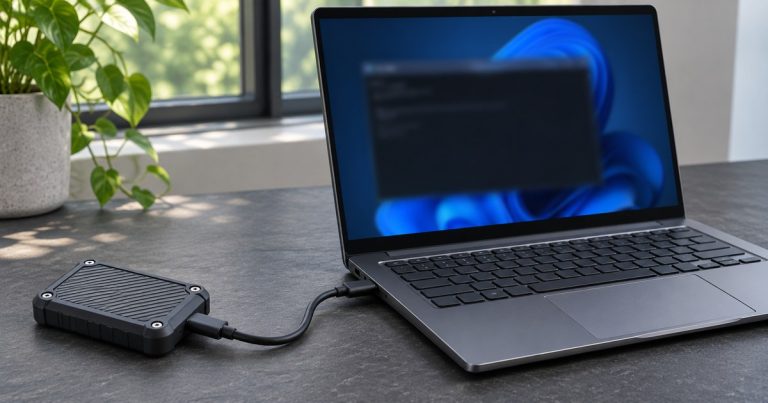
Learn how to store Ollama models on a USB drive, check where the files landed, and verify offline inference on a Windows PC before you travel.

AI tools are software powered by artificial intelligence that automate tasks, analyze data, generate content, and make decisions with minimal human effort.
They replace or enhance human work in:
Learn how to store Ollama models on a USB drive, check where the files landed, and verify offline inference on a Windows PC before you travel.
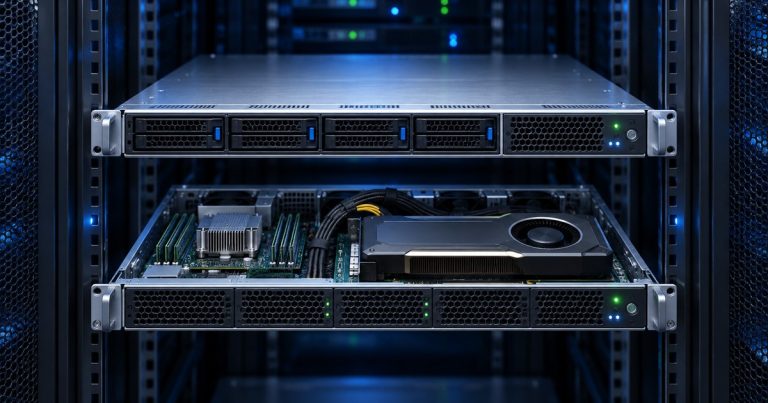
Decide whether a CPU VPS or NVIDIA GPU fits OpenClaw, Hermes or Paperclip. Compare hosted model costs, Brev credits, storage and GPU runtime.
Understand what a USB drive can carry for Hermes Agent, what Windows still needs installed, and how to test a local model separately.
Check whether your AI agents need a GPU server and what to verify before using trial credits for OpenClaw, Hermes or Paperclip hosting.
Store Ollama model files on a USB SSD, prepare the Windows host in advance, and test that your assistant answers with the network disconnected.
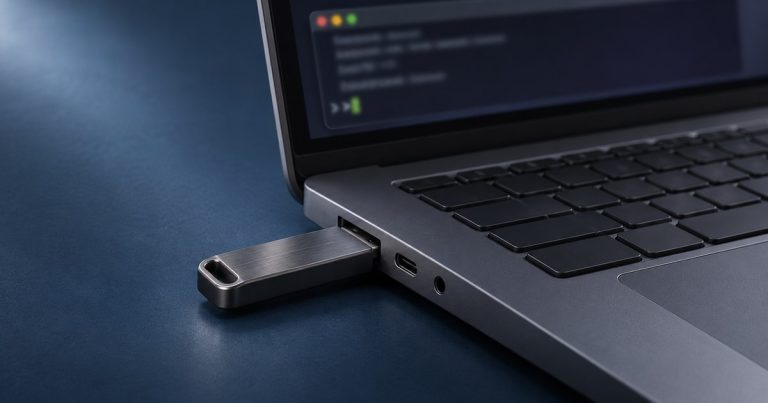
Build a free USB toolkit with offline AI tools for code explanations, unit-test ideas, README drafts and checklists. Includes a Windows PowerShell setup.
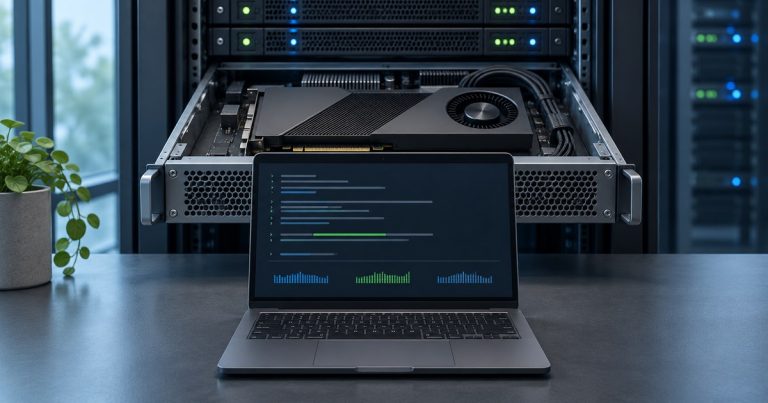
Compare 5 free cloud GPU options for AI, including Colab, Kaggle and ZeroGPU. Check usage limits, billing rules and CUDA before running your first job.

Compare four free CDN options for websites, static files and open-source libraries. See traffic limits, China coverage and how to verify a cache hit.

Install God’s Eye View locally with Node.js or Pinokio. Verify the keyless first launch, check optional API keys and troubleshoot missing globe layers.
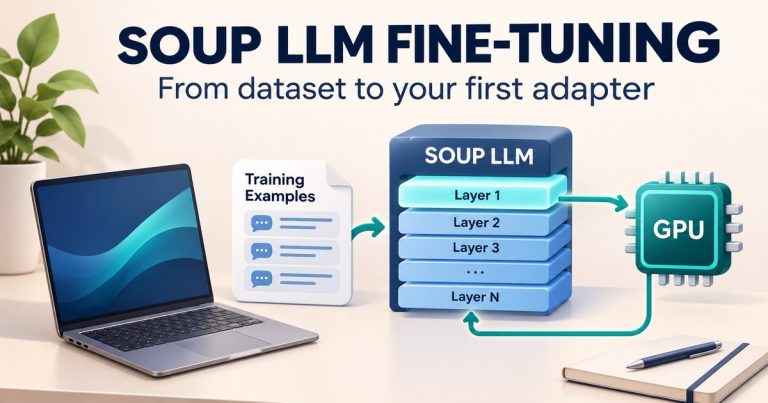
Set up Soup LLM fine-tuning with a local dashboard, a sample dataset and validated YAML. See actual screenshots, hardware limits and next training steps.
