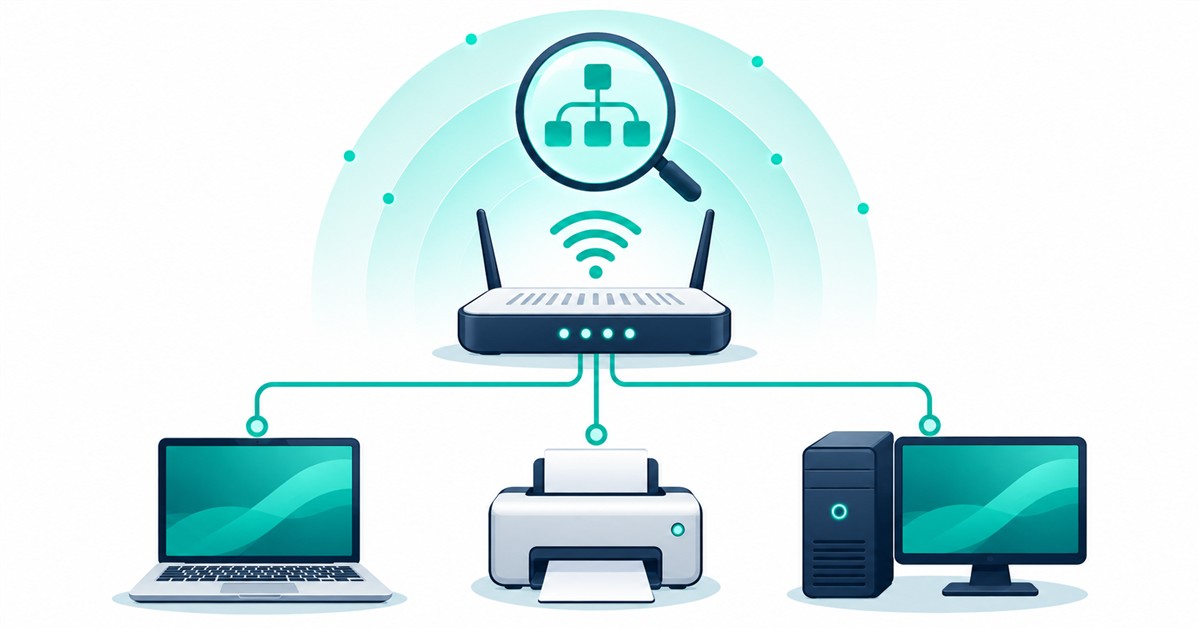
The Look@LAN IP scanner was a Windows utility for discovering and monitoring local devices. The original publisher download and current Windows compatibility remain unverified. To find a printer or router today, start with your router’s client list or a current LAN scanner from its official site.
What to know first
An IP scanner finds responding devices or services on a network. That is not the same as checking a file for malware, protecting a PC with antivirus, or guaranteeing that a device is secure. A device that does not respond may be asleep, filtered by a firewall, or outside your network range.
Do not run a broad scan across an employer’s network or public addresses without authorization. If your job is finding your own router or printer, start with the router’s connected-device list before installing another program.
What the original Look@LAN guide covered
The original Techmixer article described IP-range discovery, node information, ping and traceroute results, network statistics, logs, reports and SNMP-related information. These are historical descriptions, not features revalidated on a current release.

Is there a verified Look@LAN download?
Not one that we can recommend from this review. The original vendor homepage and installer endpoint were inaccessible to our checks. That does not prove the software has disappeared everywhere, but it is insufficient evidence to recommend an installer from a mirror.
Before using a legacy copy you already have, confirm its provenance, verify it with your existing security tools and assess whether it supports the machine on which you intend to run it. Do not disable antivirus or run an unknown installer as administrator just to make it work.
Where to look for a current alternative
For a one-time inventory on Windows, Advanced IP Scanner’s official site documents local network discovery. Compare the result with the router’s client list. If the router lists a printer that the scan misses, check whether it is asleep or on an isolated guest network before assuming it is offline.
For device discovery, start by reviewing Fing’s official site and its current platform and plan details. For technical network discovery and service investigation, review the official Nmap reference. These are alternatives to investigate, not a claim that either reproduces every Look@LAN feature or is suitable for every network.
Decide whether you need a simple device inventory, service discovery, or continuous monitoring. Check the current operating-system requirements and permissions before installing. Keep the initial scan limited to the network range you are authorized to inspect.
FAQ
Are LookLAN and Look@LAN the same tool?
This Techmixer guide uses LookLAN and LookatLAN as alternate spellings of the legacy Look@LAN product. They are not names for online antivirus scanners.
Does Look@LAN work on Windows 11?
Techmixer has not verified Windows 11 compatibility or a current official installer. Do not assume compatibility based on the older screenshot or article.
Can a network scan prove my PC is malware-free?
No. Network discovery and antivirus scanning answer different questions. Use an appropriate device-security process for suspected malware, not an IP inventory alone.
Related Techmixer guides
Check why a device is missing
Before treating a missing result as a broken device, make sure your computer and the device are on the same local network. A guest network can isolate clients. A sleeping printer may stop responding until it wakes. Compare the router’s client list with the scanner, then try the device’s known address. A missing name alone does not establish that the device is offline.
Our take
A legacy brand can still attract searches, but that does not justify sending readers to an unverified download. Keep the historical explanation useful and move to a maintained, official-source option when the old tool cannot be validated.
Last reviewed: 3 October 2026. Original endpoint reachability and current alternative documentation were checked; no Look@LAN installer or network-scanning performance test was run.