

2026 update: repair boot records only after protecting files
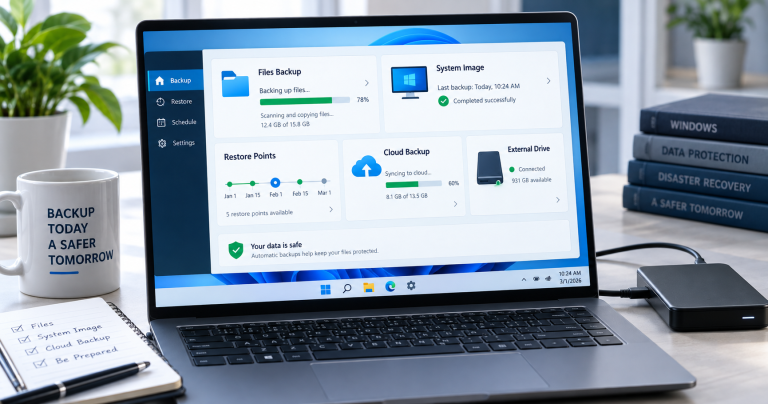
BOOTMGR and MBR fixes can restore a PC that will not start, but they can also make recovery harder if the disk is failing or the wrong partition is changed. Back up user files first from a rescue USB when possible.
Related Techmixer guides: SystemRescue notes, backup tools, Fix Guides, and Software Guides.
- Check whether the PC uses BIOS/MBR or UEFI/GPT.
- Back up files before bootrec, diskpart, or formatting steps.
- Check disk health if boot errors return.
- Use a current Windows installer or rescue USB where possible.
Backup / Restore Master boot record MBR application List:
HDHacker – Master Boot Record Backup and Restore Utility
 HDHacker is a master boot record MBR application that saves, visualizes, and restores the MBR (from a physical drive), the BootSector (from a logical drive) or any specified sector from any disk (even removable disks). This MBR software supports two method like read (Backup MBR mode) and write (Restore MBR mode) operation.To backup the Master Boot Record, it will read the boot sector from disk and save it to file afterwards. This ensures that the Master Book Record can be recovered anytime in case something should alter or corrupt it.Download HDHacker – Backup And Restore Master Boot Record
MBRtool – Command line DOS Master Boot Record Backup and Restore
 MBRTool is a DOS master boot record program that designed to backup, restore and manipulate your hard disk MBR. However, MBRtool is not an automatic recovery master boot record program but will allow users to prevent data loss (due to MBR corruption) by backing up the MBR, and offers power users all the power they’ll ever need to ‘mess’ with their MBR. Plus more, the latest MBRtool now includes an easy to use boot diskette builder that will assist you in creating a diskette or bootable CD/DVD.Download MBRtool – DOS Master Boot Record Backup and Restore program
MBRFix – Master Boot Record Fix and Backup Utility
 MBRFix able to perform several Master Boot Record (MBR) tasks, like backing up, restoring, fixing the boot code in the MBR, etc. But MBRFix doesn’t have graphic interface, which the interface is mainly a command line executable interface. But it has 13 MBR functions that are easily listed with the /? option. Meanwhile, the program is appropriate for advanced users only.Download MBRFixSo, i have listed three simple MBR program to backup and restore computer master boot record information. Most of MBR backup program is freeware and support various operating system like vista, xp and 2000, Windows 7, Vista, Windows server 2003 and Windows server 2008.If you know other master boot record program should included on the above list, Let us know comment! 🙂
Related Techmixer hubs
Use these Techmixer hub pages to find updated guides, safer software notes, and related workflows.



A Windows based mbr restore tool is useless if you cant boot into windows becasue of a corrupt mbr!
@Graham,
It’s good that you backup MBR data first before wait until MBR corrupt.
Anything happen to MBR, you can straight use above the tools restore your MBR files.
“It’s good that you backup MBR data first before wait until MBR corrupt.”
Well, no shit!
“Anything happen to MBR, you can straight use above the tools restore your MBR files.”
Graham’s right. How do you run a Windows based mbr restore tool if the system it runs on is the very one that’s corrupted? The DOS one might work if it’s installed on a bootable CD and you’re going for an XP restore, but will it still work on a Windows 7 system? Especially a 64 bit one? Seems like Acronis True Image occasionally has problems with that one.
Tell me steps to corrupt the mbr… I need to restore