

Related Techmixer hubs
Use these Techmixer hub pages to find updated guides, safer software notes, and related workflows.
- DirectX and Windows Fixes Hub
- Backup and Sync Software Hub
- Free Antivirus and Online Virus Scanner Hub
2026 update: diagram tools should support export and collaboration
Older diagram tools may still work, but modern teams often need browser access, collaboration, export options, and privacy controls. Check the file format and sharing workflow before building important diagrams.
Related Techmixer guides: Software Guides, Best Tools, AI Tools.
- Use official or trusted download sources.
- Back up important data before system-level changes.
- Check whether the tool is still maintained.
- Prefer current alternatives when they are safer.
 To draw network infrastructure diagram using network notepad is simple. All you need is drag and drop network object on the interface. Meanwhile, you’re able to use the F1-F6 keys as hotkeys to ping, surf, or telnet to a device once IP addresses on network devices object.However, Network notepad by default having limited network object icons included. But you can enhance the network object icons selection by download Cisco network object library icons or other network icons pack.
Download link for Network object icons libraries For Network Notepad :
1. Click here to download a network icons collection more than 100 objects.2. Download Cisco Network Object Icons Set After downloading the network object icons, just unzip the contents to your Network Notepad Objects folder (Usually C:\Program Files\Network Notepad\Objects) and restart Network Notepad.If you’re drawing a simple network diagram, i think Network notepad is a great free network diagram tools to use. Plus more , it can replace the expensive MS Visio application without any fees. However, you can’t argue with the price, and the feature set is impressive for such a small download.2026 update: what to check now
This older Techmixer guide has been refreshed to help readers understand current compatibility, safer download habits, official-source checks, and related newer guide paths. Use the original article as historical context, then follow current software safety practices before installing, scanning, repairing, or backing up anything important.
- Prefer official vendor or Microsoft sources over download mirrors.
- Check whether the software still supports your Windows version.
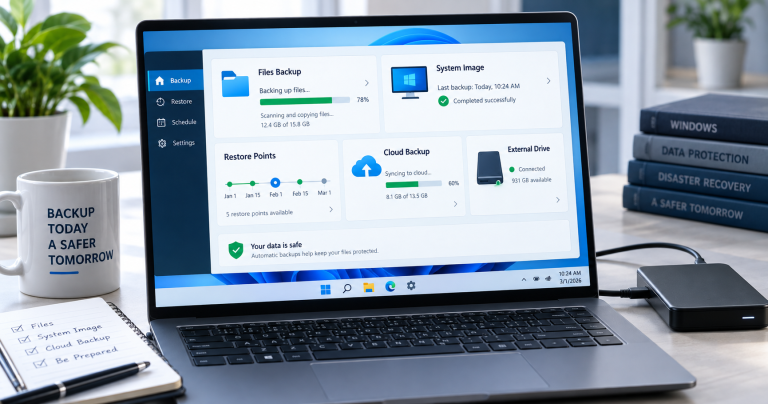
- Back up important files before system-level fixes, malware cleanup, partition work, or driver/runtime changes.
- Use the related Techmixer hubs below to move from legacy notes to current guidance.
Related updated Techmixer guides
FAQ
Should I still use older software from this page?
Only if it still comes from an official source, supports your system, and solves a real problem. Avoid old installers from unknown mirrors.
What should I do before applying a fix or installing a tool?
Check your Windows version, save important files, and read current vendor notes. For security or system changes, create a backup or restore point first.


thank you very much writer.. 🙂
thank you very much writer.. 🙂
I don’t know … I just don’t get along with this SW. It may be a great idea, but it just does not work reliably for me. Making a connection between a backbone and another object for instance is really painful.
I don’t know … I just don’t get along with this SW. It may be a great idea, but it just does not work reliably for me. Making a connection between a backbone and another object for instance is really painful.
I don’t know … I just don’t get along with this SW. It may be a great idea, but it just does not work reliably for me. Making a connection between a backbone and another object for instance is really painful.