Related Techmixer hubs
Use these Techmixer hub pages to find updated guides, safer software notes, and related workflows.
- DirectX and Windows Fixes Hub
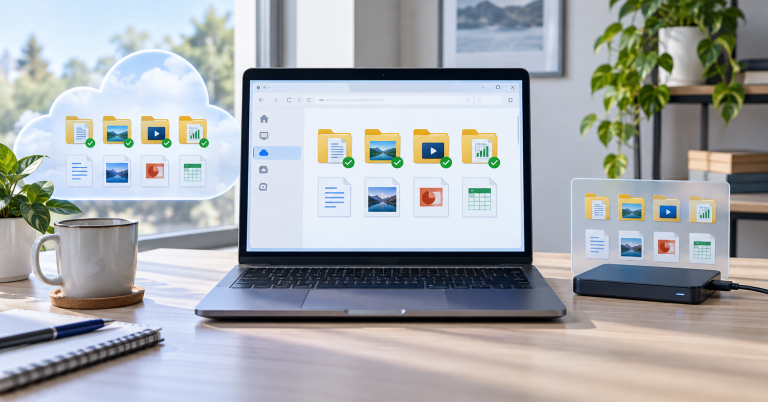
- Backup and Sync Software Hub
- Free Antivirus and Online Virus Scanner Hub
2026 update: disc, ISO, and virtual drive tools are now niche utilities
CD, DVD, Blu-ray, ISO, and virtual drive tools are still useful for old software, recovery media, and archive workflows, but Windows now handles many ISO tasks directly. Use modern tools only when the built-in option is not enough.
Related Techmixer guides: Software Guides, Fix Guides, and Best Tools.
- Verify ISO files before using them.
- Avoid bundled installers and download mirrors.
- Keep recovery media current.
- Use built-in Windows mounting when it is enough.
 With JetBee free burning software, you can burn iso image, copy disc or save disc image to burn it later, to create an iso image from your files and more. To burn a disc with JetBee, Just simply add files to the required project (Data disc, Audio disc, DVD disc, UDF disc), press ‘Burn’ button and you’ll get a recorded disc with photos, music, video, data or bootable disc of your choice in a few minutes.
JetBee Free Burning Software Major Features:
- Burn data cd and dvd from files and folders
- Burn data cd and dvd from iso image files
- Burn data cd and dvd in UDF format
- Burn multisession cd and dvd discs
- Create and burn bootable cd and dvd discs
- Burn data cd and dvd discs from Alcohol mds image files
- Erase rewritable cd and dvd discs
- Burn audio cd discs with from wav, mp3, wma and ogg files
- Burn audio cd with cd-text
- Burn dvd video discs from dvd media content of higher compatibility with hardware dvd players
- Burn VideoCD and SuperVideoCD discs
- Verify cd and dvd discs after burning
- Copy data, audio, video cd and dvd discs
- Raw cd copying
- Create iso image files both from files, folders, cd and dvd drives and dvd media c
- Create Alcohol mds image files from cd and dvd discs
- Rip audio files from audio cd
- Burn cd and dvd discs without administrative rights under 2000/XP/Vista/Vista/Windows 7 with StarOpen driver. This driver provides CD/DVD access for any user regardless of Security Policies.