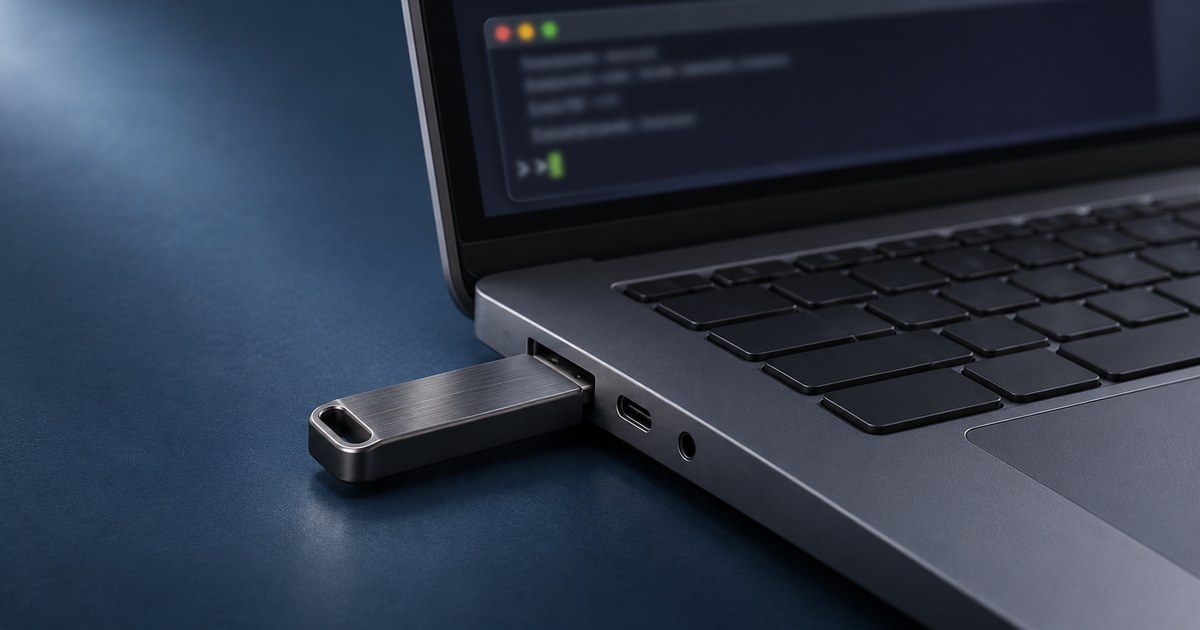
You can carry offline AI tools for development on a USB drive and run them on a compatible Windows PC. This free kit uses Mozilla’s llamafile to run a small Qwen model locally. Send it a short code sample, a test plan, or a set of notes from PowerShell and save the result alongside your project.
The drive stores the runtime, model and prompt files. The host PC supplies the CPU and RAM. Download the model before leaving internet access, then run a fresh task offline on the computer you plan to use.
What these offline AI tools can do
| Task | What to send | How to check the result |
|---|---|---|
| Explain code | One small function or expression | Compare the explanation with the actual return value and edge cases. |
| Plan unit tests | A short function contract | Check expected outputs and add cases the model missed. |
| Draft README steps | Commands you already verified | Run each documented command in a clean project folder. |
| Turn notes into a checklist | A short, plain-text note | Compare names and action items with the source. |
Use a text editor for the input and a terminal for execution. The model sees the text you send. You decide which files to open, which commands to run, and what changes to keep.
1. Prepare the USB drive and download the model
Use an Intel or AMD x64 PC running Windows 10 or later, with AVX support. Keep at least 2 GB of free space on the drive. A USB 3 drive or external SSD helps if you plan to carry larger models. This example’s download is about 1.23 GB and fits on FAT32. If you later carry a single file of 4 GB or more, choose a filesystem that can hold it. Formatting erases existing contents. Mozilla’s supported systems.
Create a PortableAI folder and download Qwen3.5-0.8B-Q8_0.llamafile from Mozilla’s repository. In File Explorer, show file extensions and add .exe to the end. Keep the file and your sample prompts in the same folder. Mozilla’s bundled models · Windows setup notes.
2. Start the local runtime from PowerShell
Open PowerShell inside PortableAI and run the command below. It starts a local API on 127.0.0.1 with the browser interface disabled. The bundled model supplies the weights, and the CPU setting keeps the example independent of GPU drivers. Leave this window open while you work. llamafile argument reference.
.\Qwen3.5-0.8B-Q8_0.llamafile.exe --server --offline --host 127.0.0.1 --port 8091 --no-webui --gpu disable -c 2048In a second PowerShell window in the same folder, run Invoke-RestMethod http://127.0.0.1:8091/health. Wait for the status to be ok before sending a task. If the server reports the port is in use, choose another port and update the address in both commands and the script below.
3. Run a development task and save the result
In the second window, copy and run this example. It sends a short code explanation task and saves the result to result.md. Each run replaces that sample output. Choose a different filename to keep an earlier result.
$prompt = 'Explain this Python line in one sentence: result = items[:3]'
$body = @{
    messages = @(@{ role = 'user'; content = $prompt })
    temperature = 0
    max_tokens = 192
    chat_template_kwargs = @{ enable_thinking = $false }
} | ConvertTo-Json -Depth 5

$uri = 'http://127.0.0.1:8091/v1/chat/completions'
$response = Invoke-RestMethod -Uri $uri -Method Post -TimeoutSec 90 -ContentType 'application/json; charset=utf-8' -Body $body
$answer = $response.choices[0].message.content
$answer | Set-Content -Encoding utf8 -LiteralPath '.\result.md'
$answer
For the slicing example, check that the explanation says it takes up to the first three items. A list with one item returns a one-item list. An empty list returns an empty list. That quick check catches a confident answer that says the expression always returns three items.
“It creates a new list containing only the first three elements from the original items list.”
That was the actual local test response. It captured the basic idea but left out what happens when the list has fewer than three items. A longer test-planning prompt also exceeded a 35-second request timeout on the test PC. Start with narrow prompts and allow extra time for CPU inference.
To reuse the script, replace the first line with $prompt = Get-Content -Raw -LiteralPath '.\task.txt'. Put the task and its input in that text file. For unit-test planning, describe the function and ask for expected outputs. For a checklist, ask it to preserve names and actions. Keep each task small enough to check quickly.
4. Verify offline operation on the target PC
Stop the runtime with Ctrl + C. On a computer you control, disconnect Wi-Fi and Ethernet and start the same command again from the USB drive. Wait for the health check, change the example prompt, then confirm result.md contains a fresh answer. When you’re done, stop the runtime before ejecting the drive.
If it works on one computer and fails on another, check processor architecture, available RAM, executable name and policies for running programs from removable drives. The host operating system may still leave logs or temporary files. Keep private data on trusted machines and treat the USB like any other storage device that can be lost. Mozilla’s platform notes.
Related Techmixer guides
- Explore another way to run a local model
- Compare local AI and cloud GPU options
- Browse Techmixer’s AI tools and guides
Our take
Start with tasks you can check in a minute. Try one code snippet, three test cases, or a short note. Run the real tests and review every suggested change before it goes into a project.
Last reviewed November 11, 2026. Techmixer tested the bundled model over localhost from a Windows x64 test folder. The physical USB and disconnected-network checks are included as steps to repeat on your target PC.